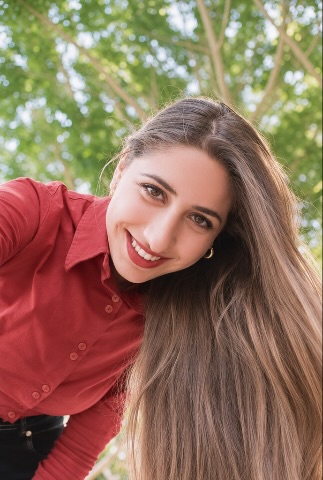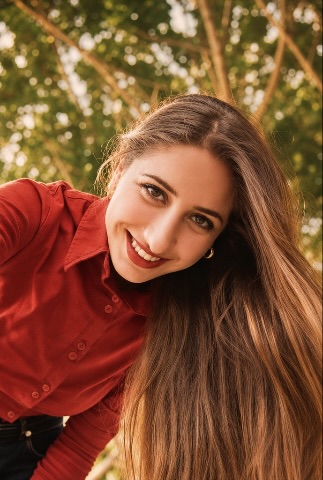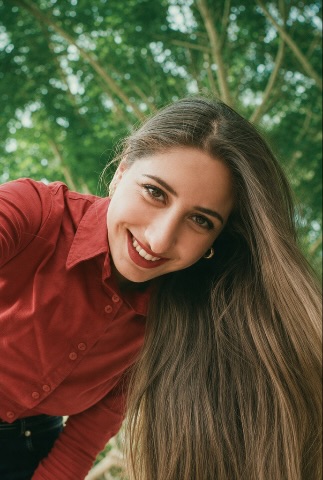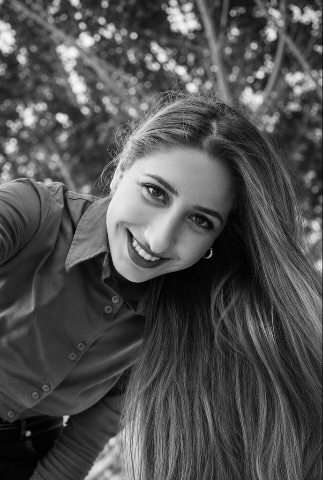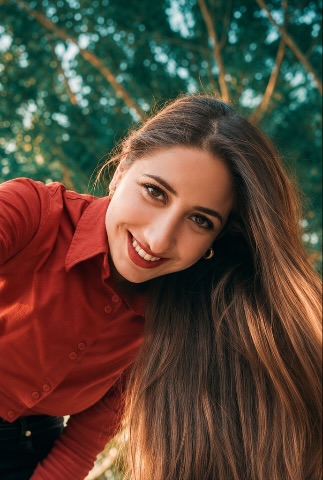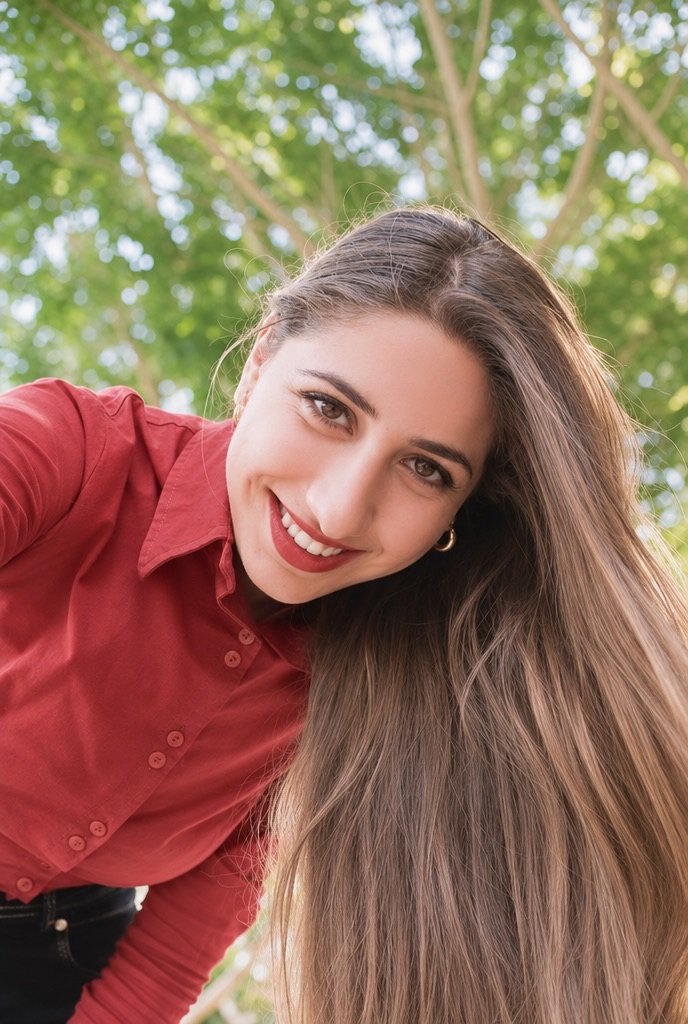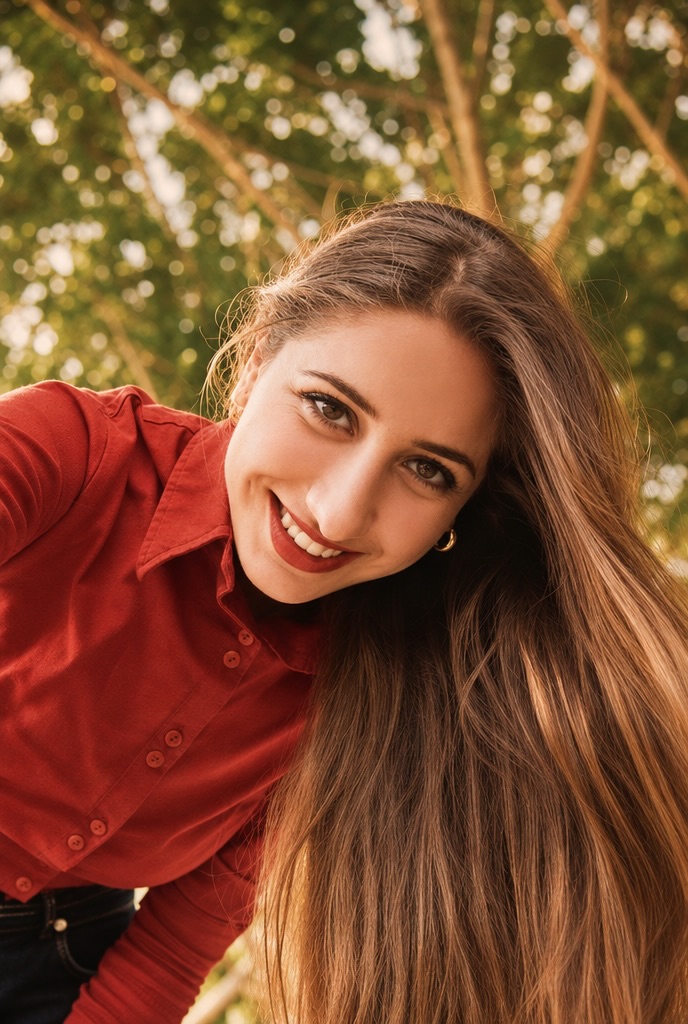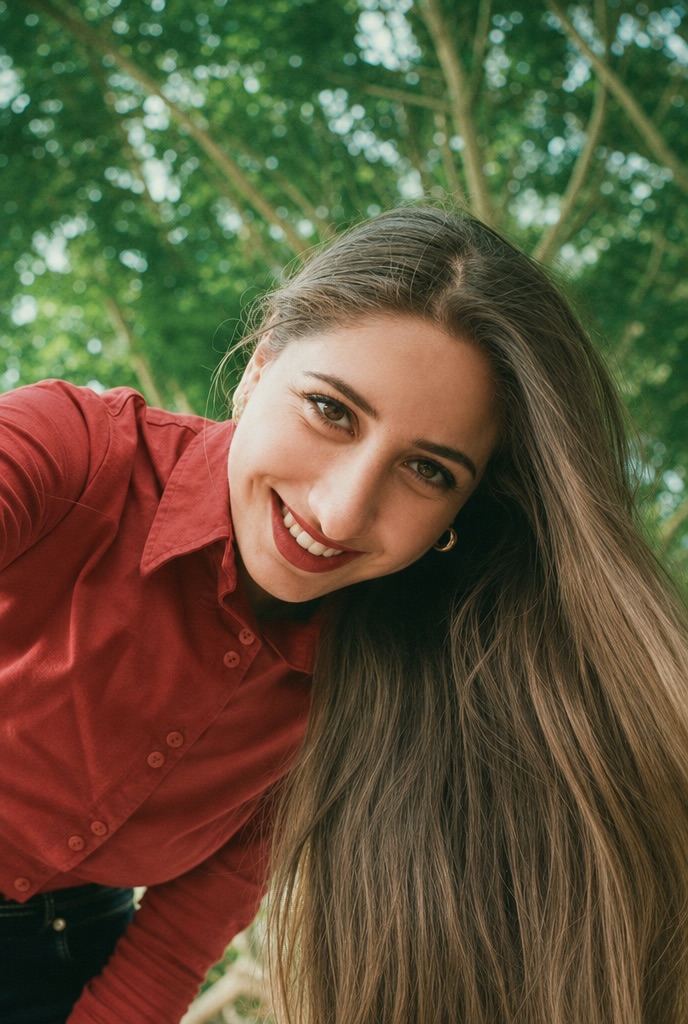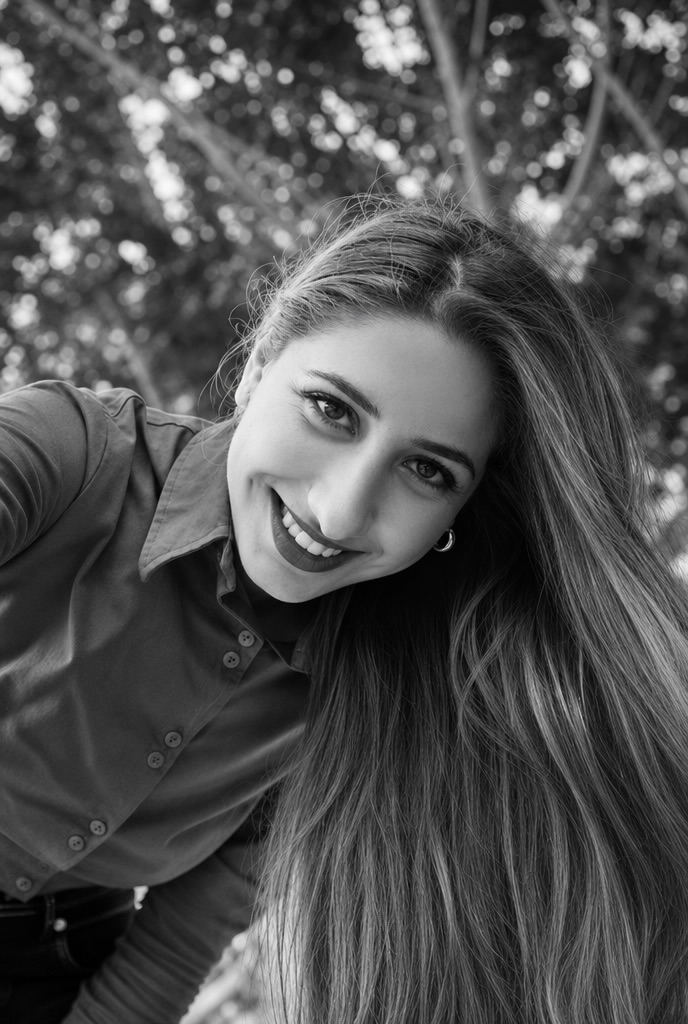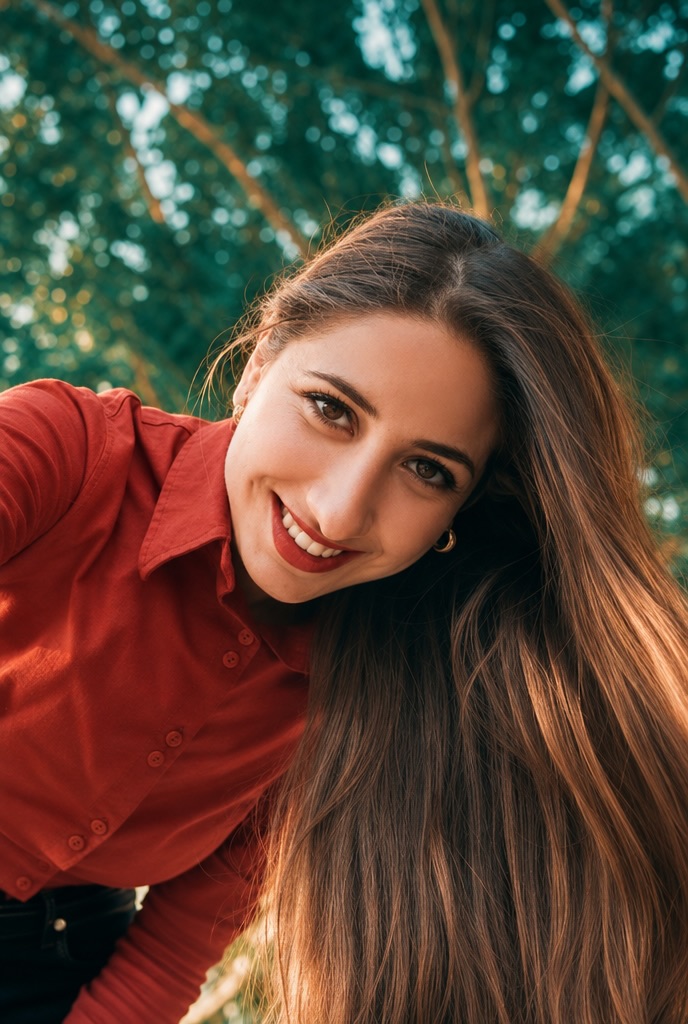
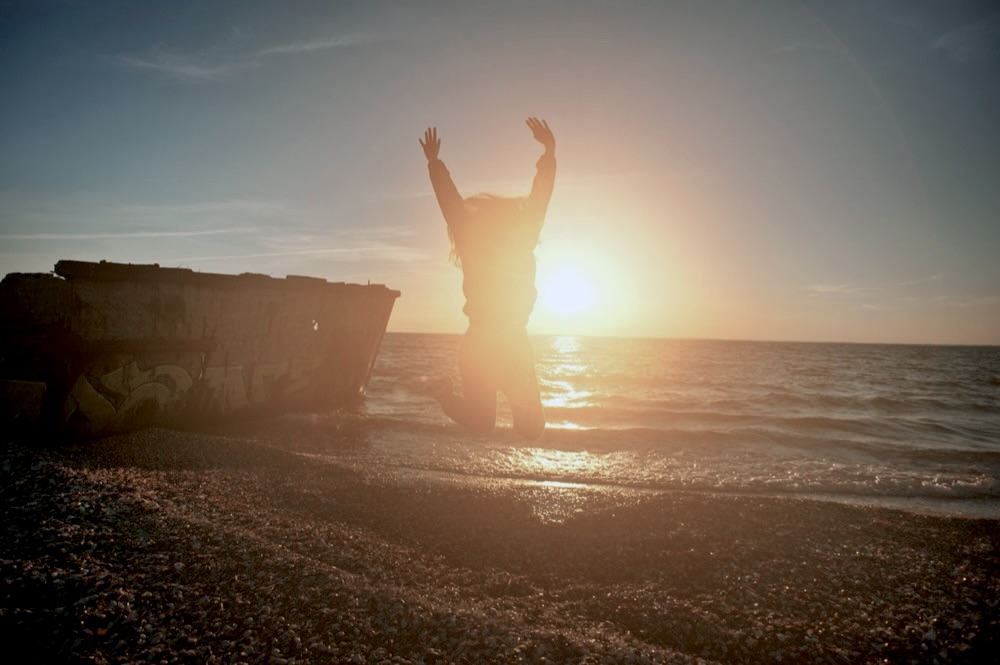
 Before
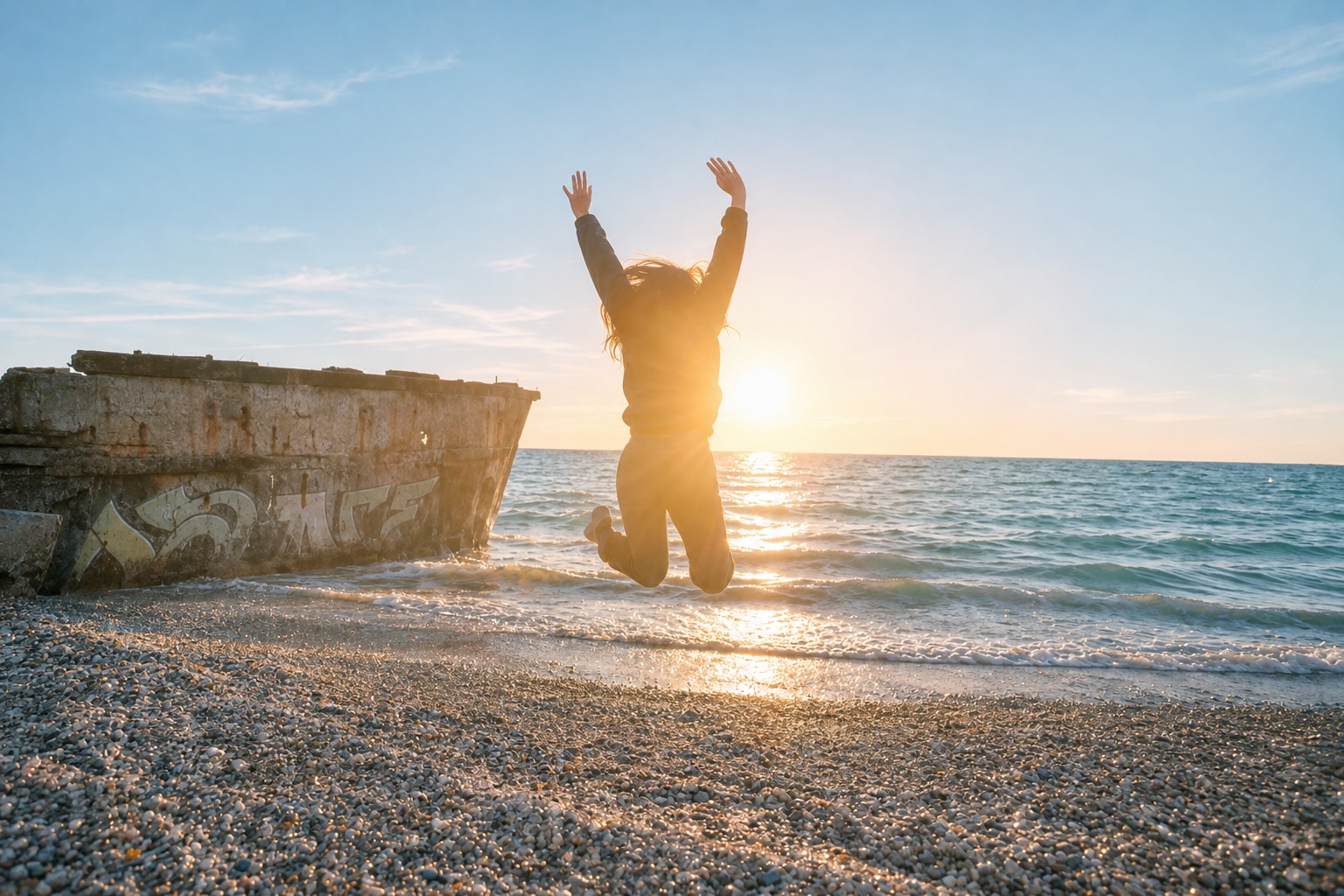 After
1,284 likes
36 comments
12 shares
mia-wanders Last evening by the sea. So windy, but I didn’t want to leave 🌅
Pick a style and your photo gets a professional photographer's touch — natural, never AI-looking.
KaChia is pronounced “ka-CHEE-ah”
Try another photo
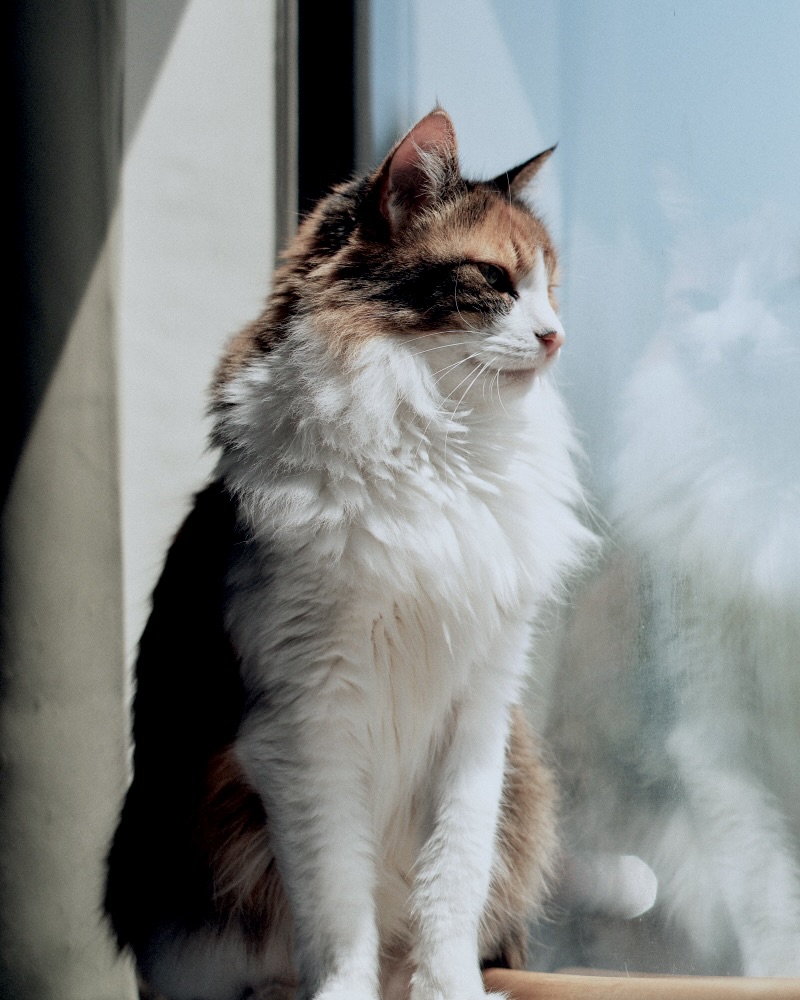 Before
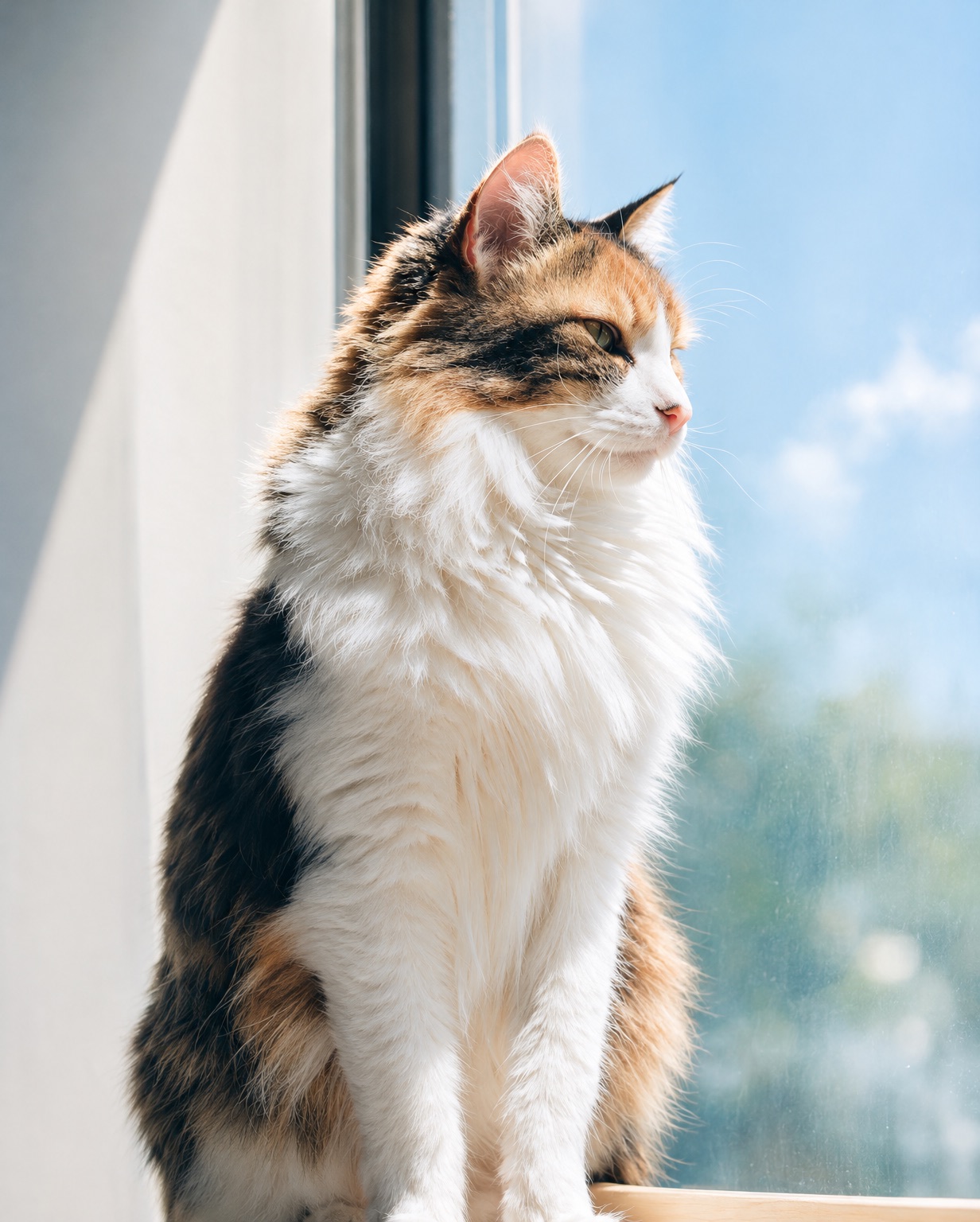 After
The photos you snap and post every day, finished.
BeforeAftermia-wanders Last evening by the sea. So windy, but I didn’t want to leave 🌅
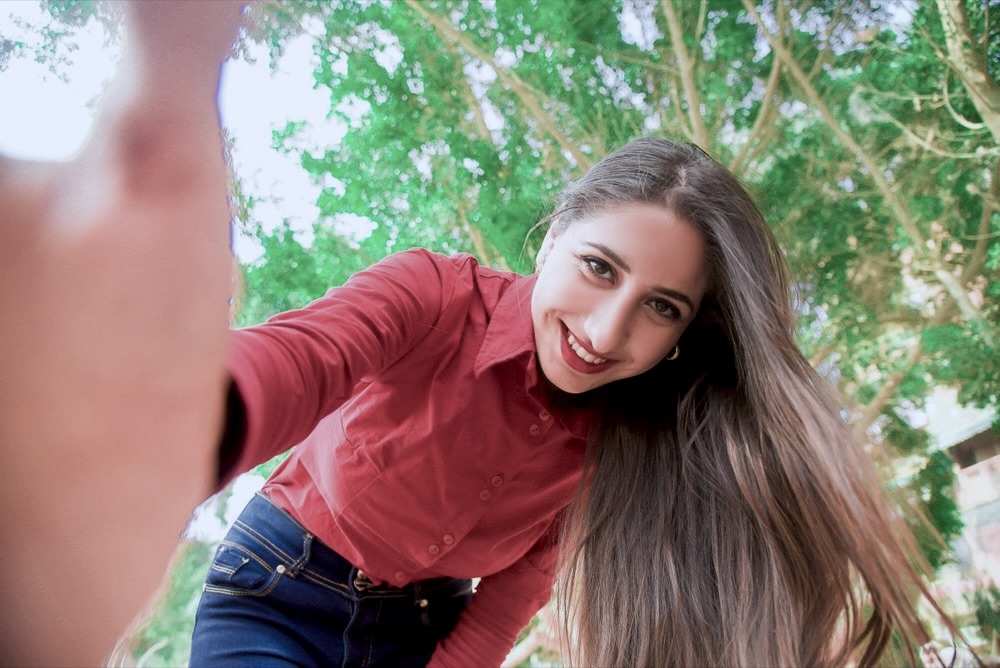 Before
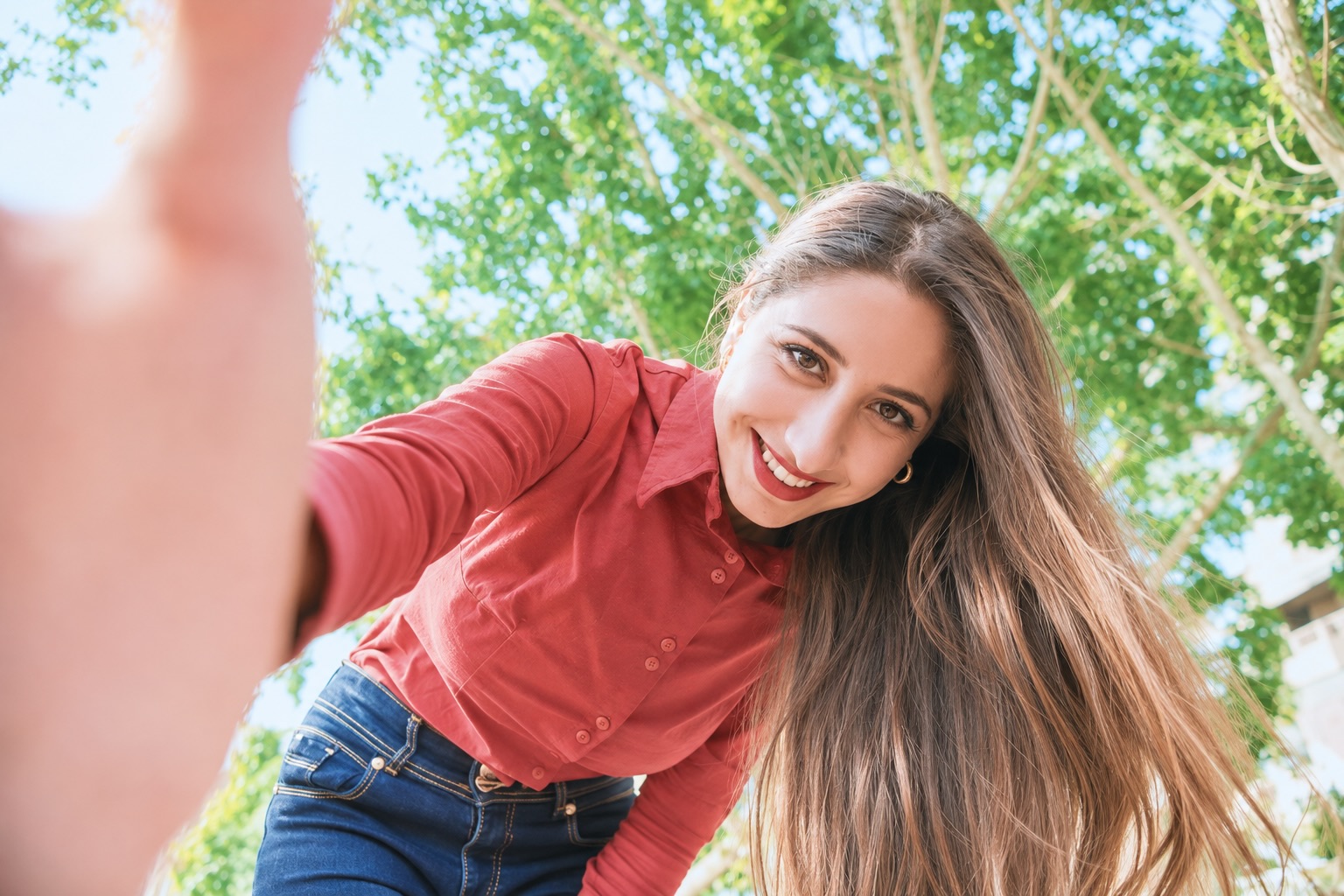 After
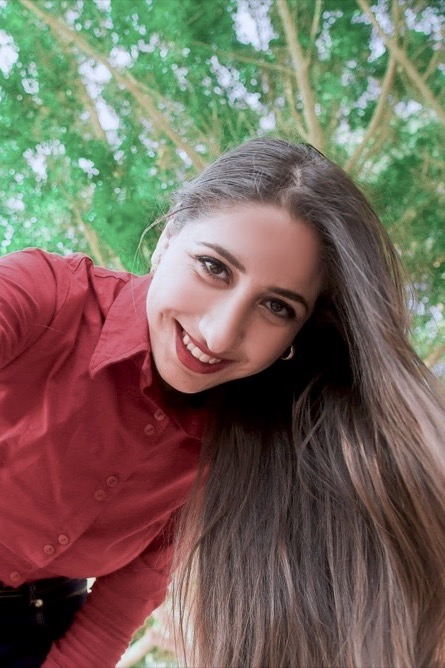
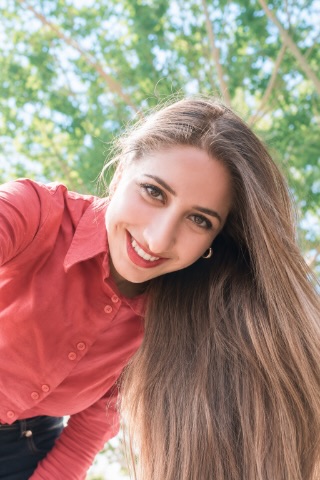
yuna-daily Took this one of my best friend — her smile lights up the whole frame 🌿
 Before
 After
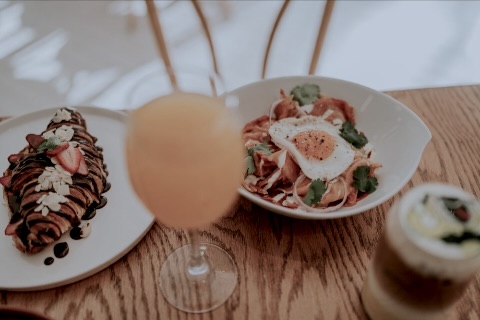
kai-eats Weekend dinner at home. Food hits the table, everyone shoots first 🍽️
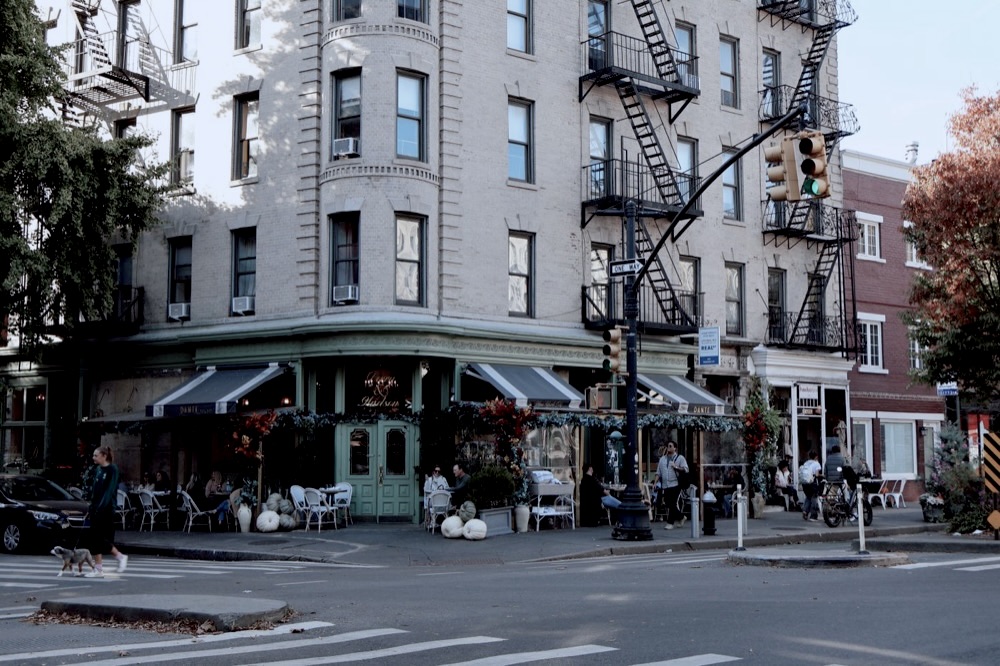 Before
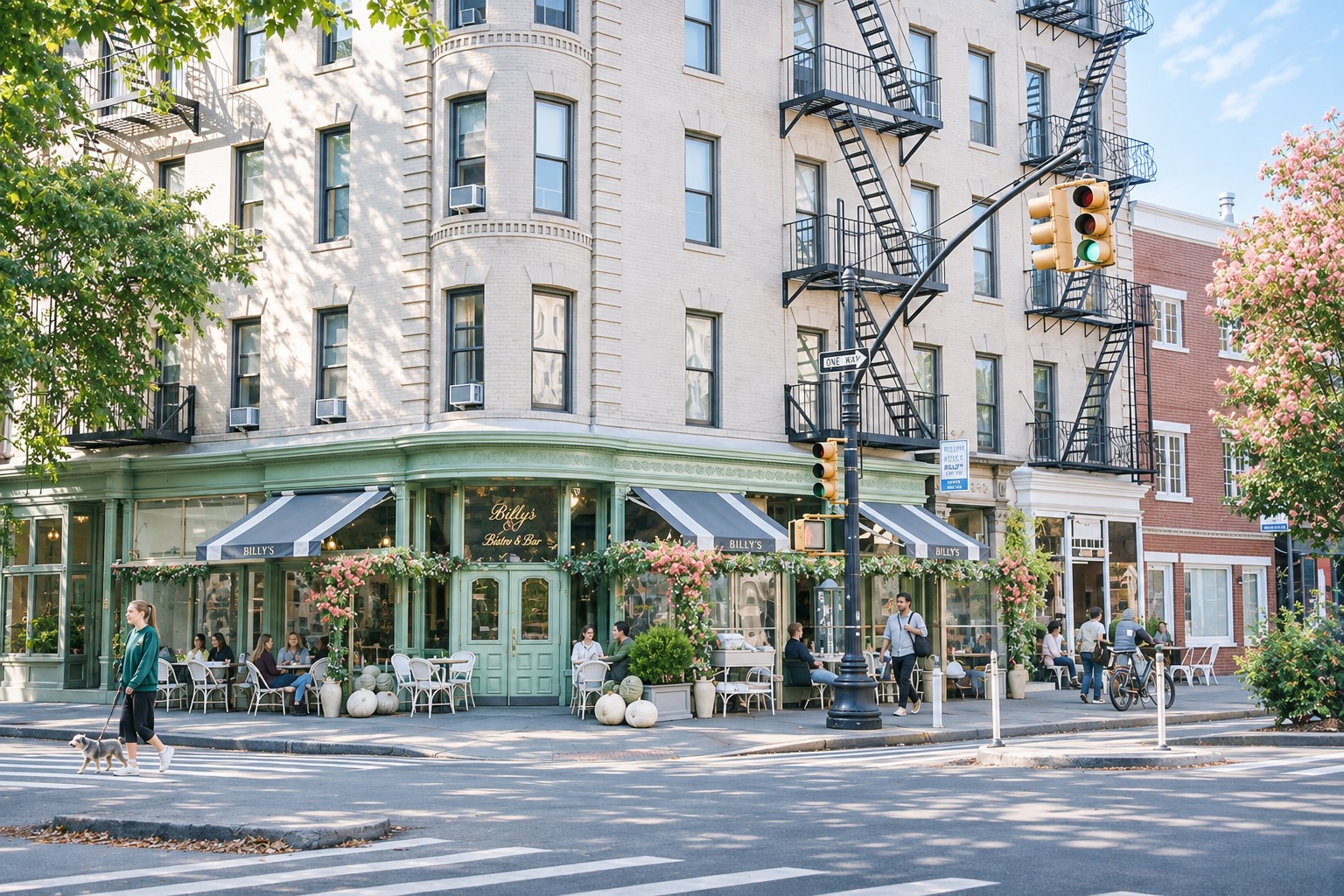 After
leo-citywalk This corner café. Every time I walk past, I want to go back in ☕
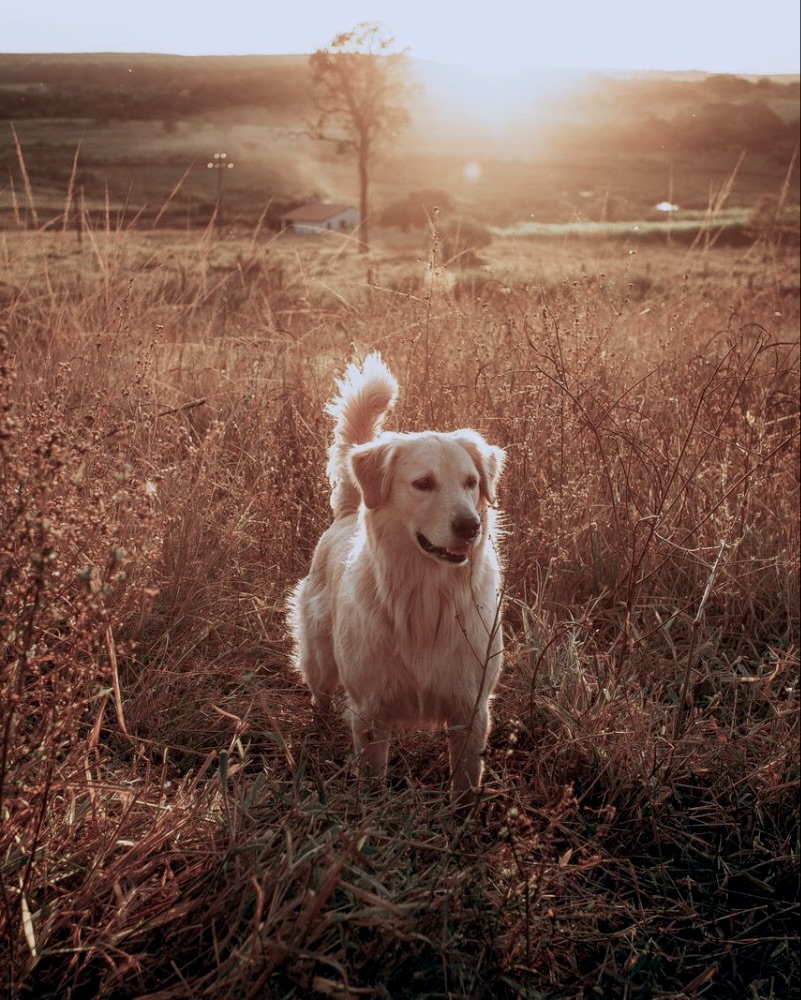 Before
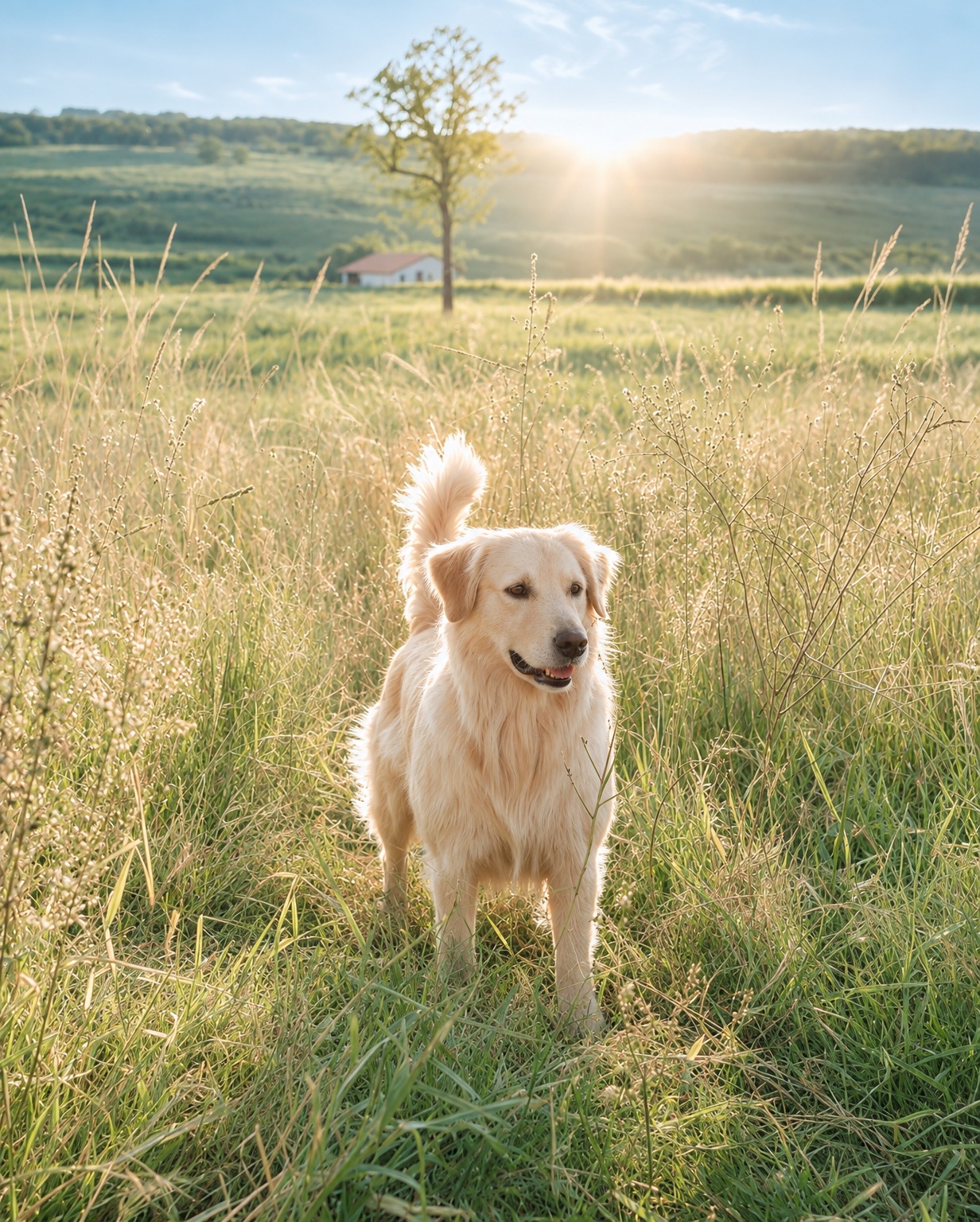 After
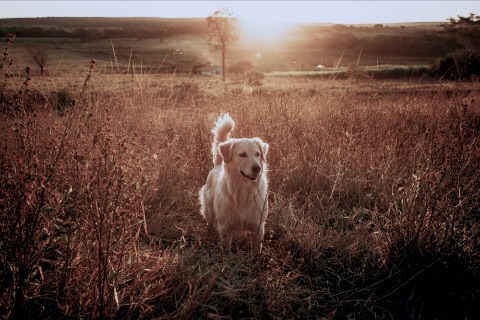
nana-and-mochi Mochi ran around the field and refused to go home 🐶
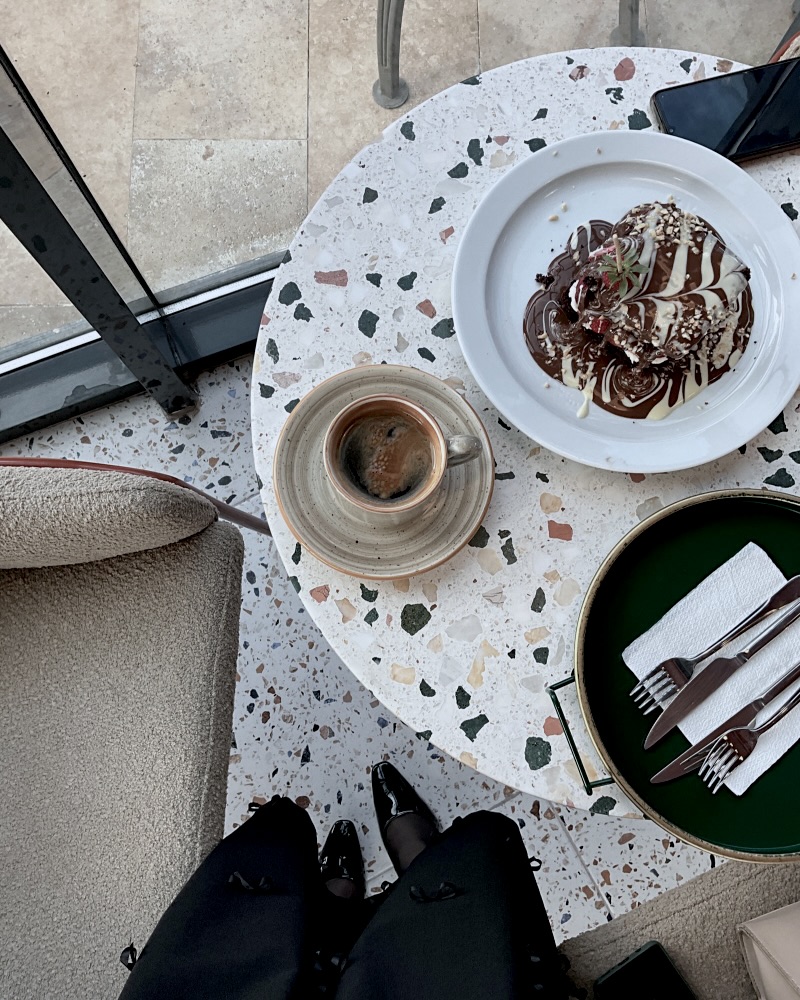 Before
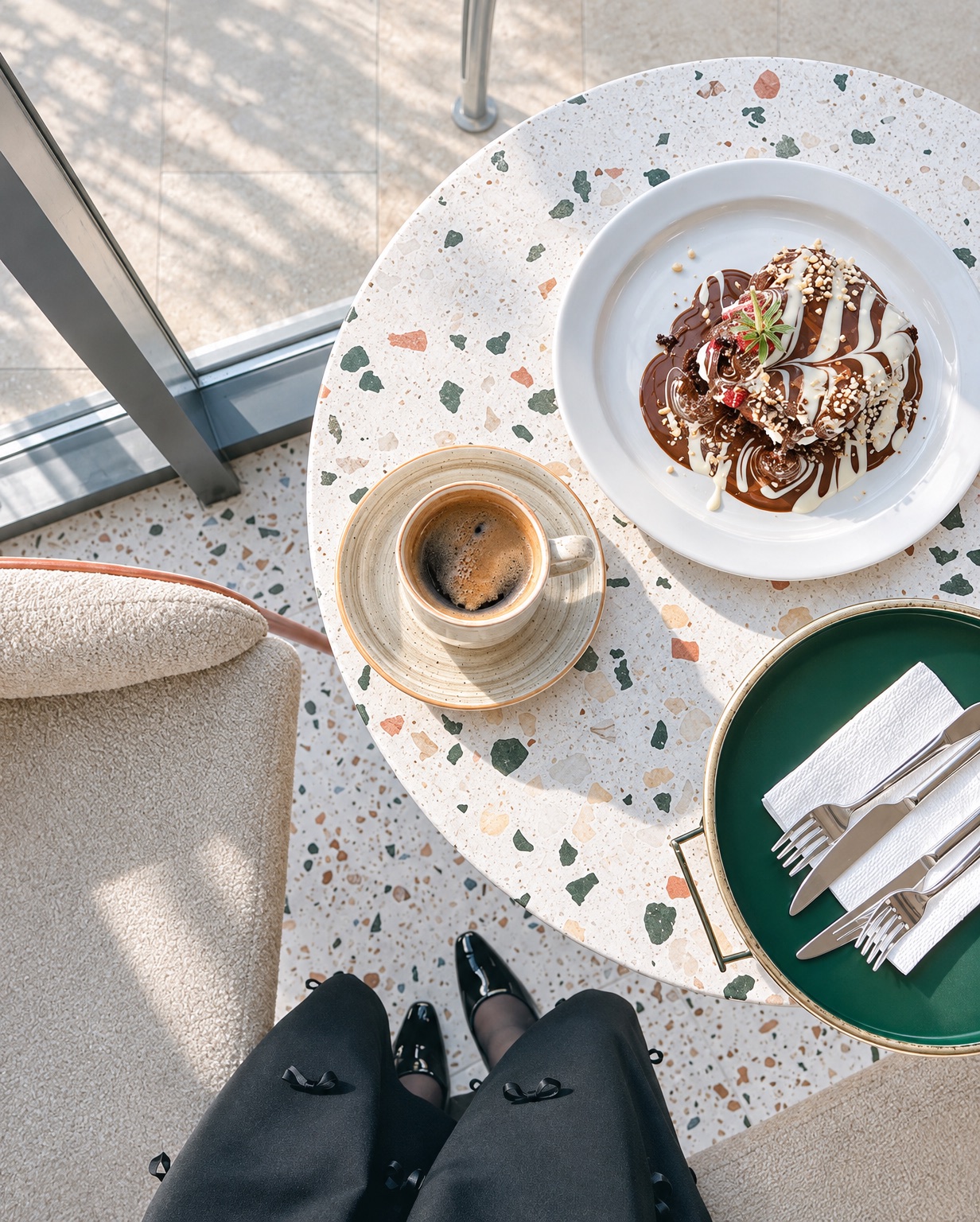 After
chloe-sweets Found a cozy little spot. Dessert and coffee just right 🍰
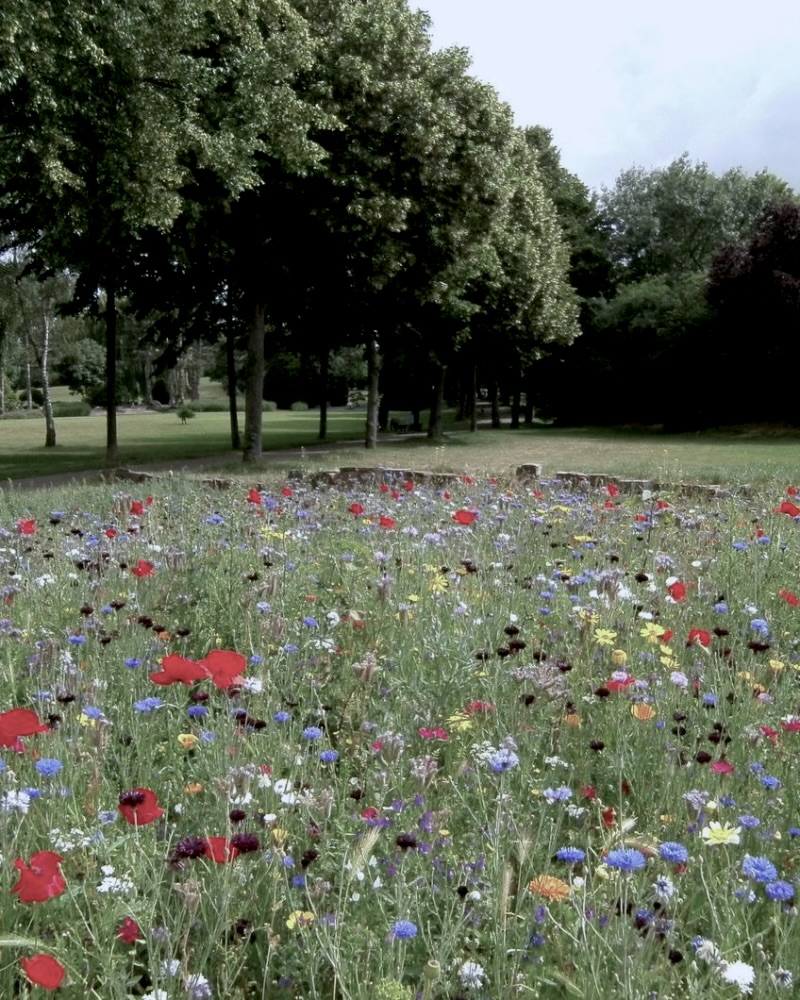 Before
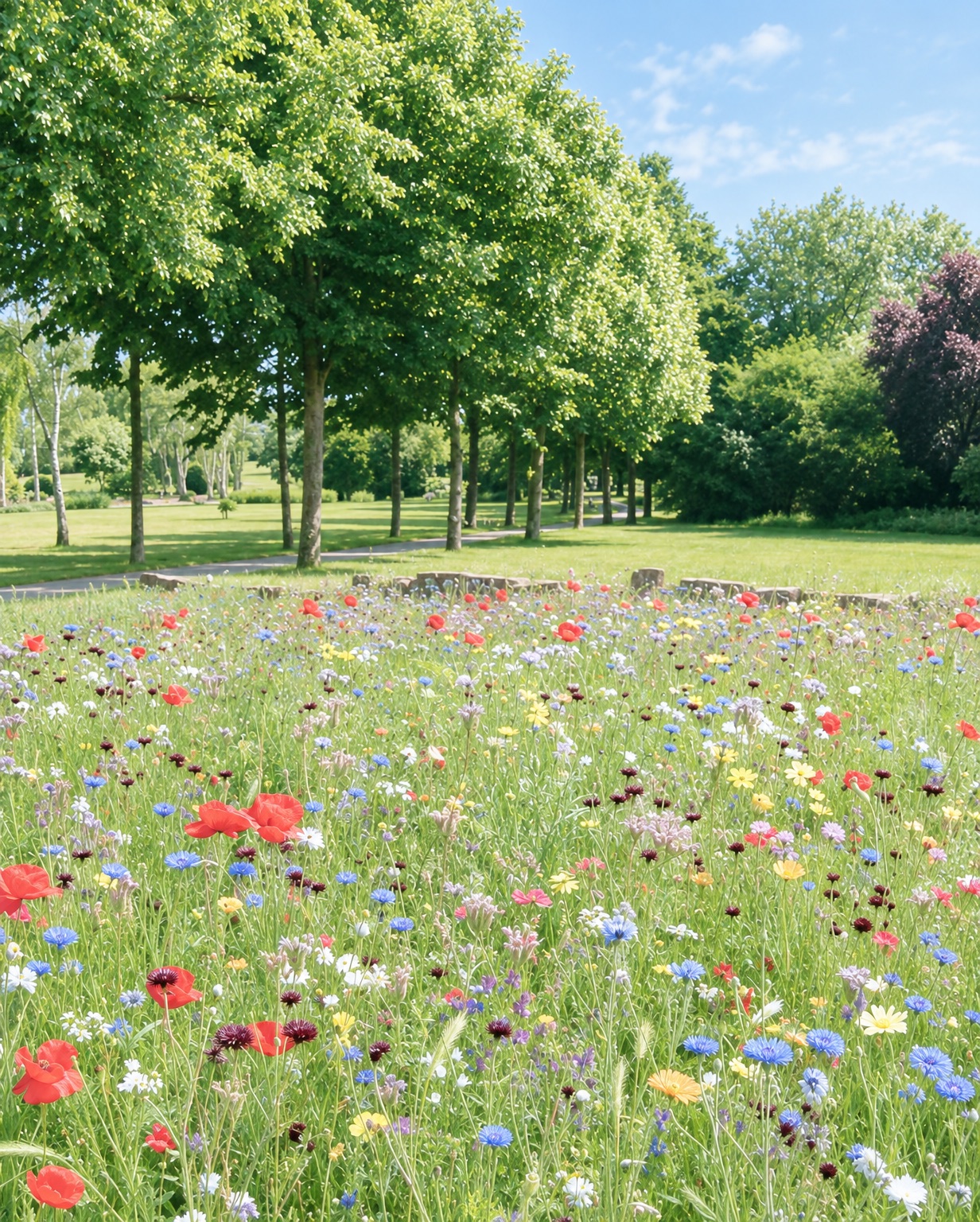 After
hana-strolls Weekend walk — the flowers are right on time 🌼
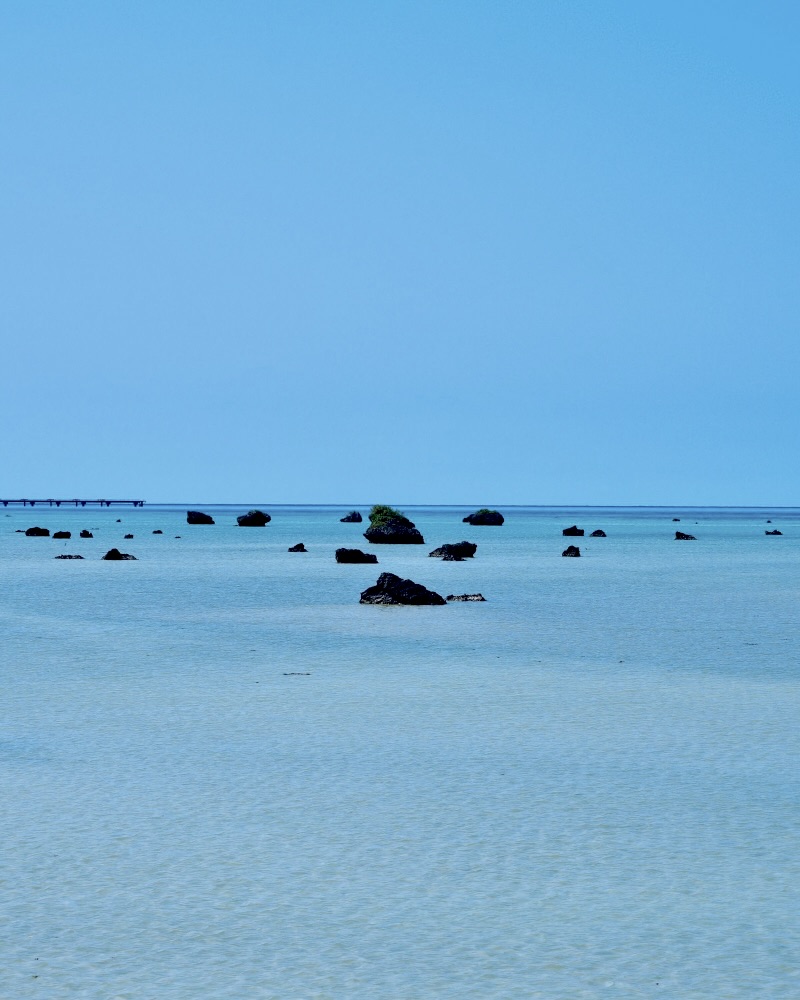 Before
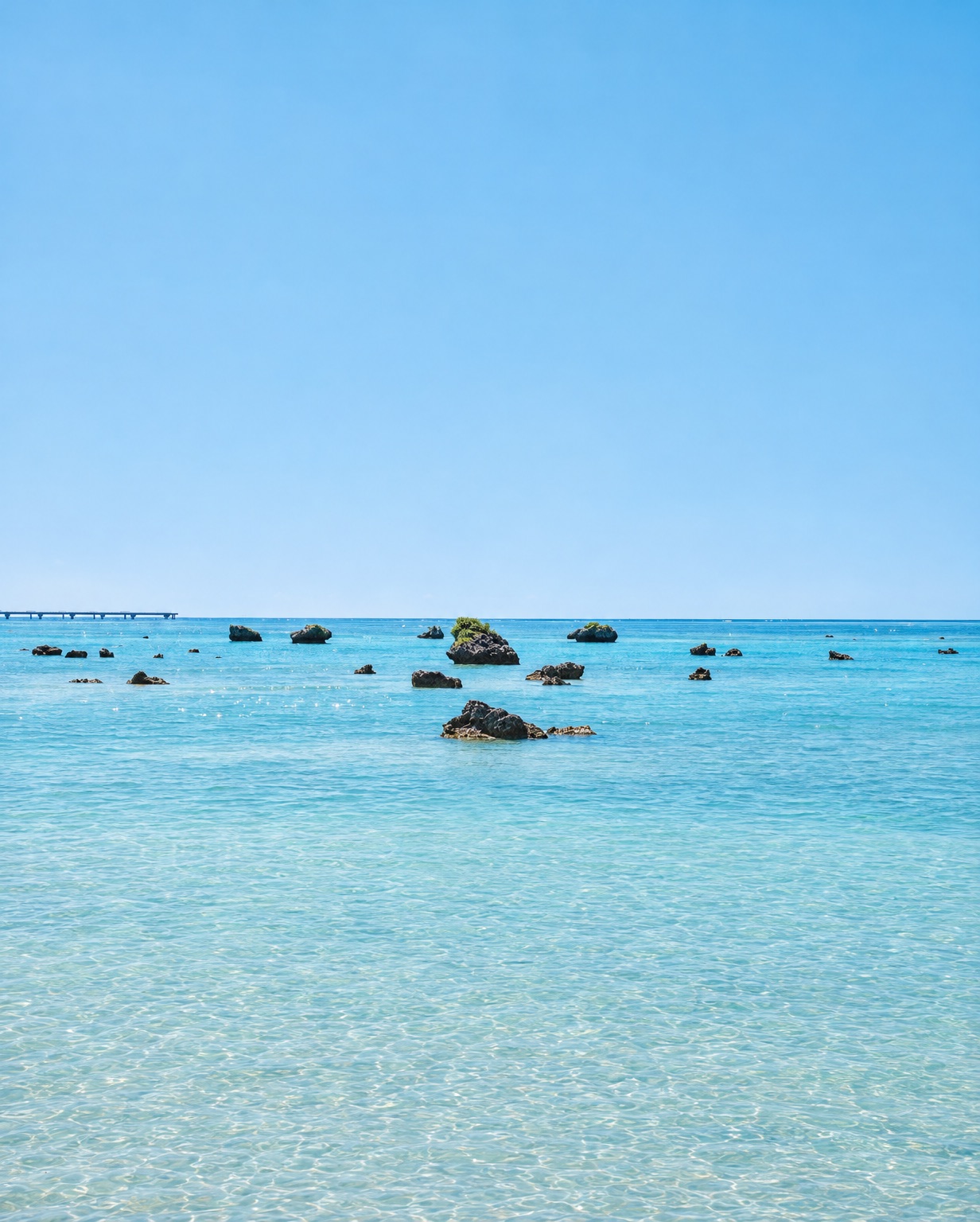 After
ryo-seaside Water so clear you can see the bottom. Coming back for sure 🌊
No editing skills, no prompts.
Choose one from your library.
Each style is a complete professional edit.
Happy with it? Save it to Photos or share it.
Tap a style to see the result
Every style is tested on landscapes, people, buildings, sunsets, low light and animals.
BeforeAfterClean, airy, low saturation, soft light
Great for: TravelEveryday
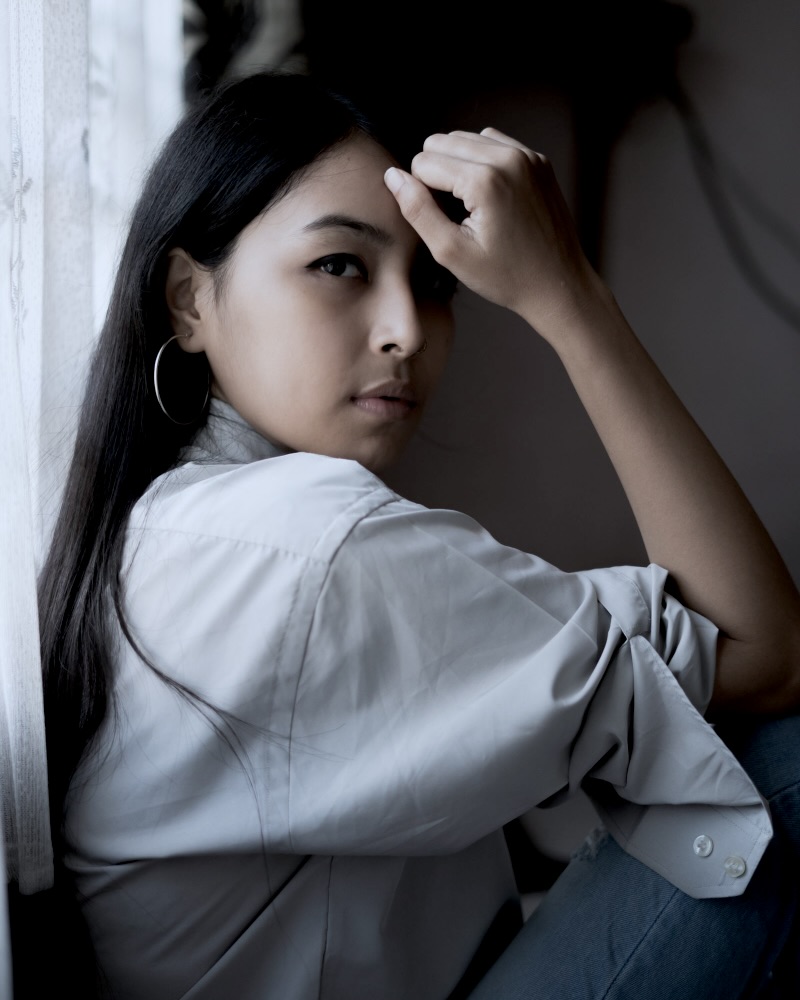 Before
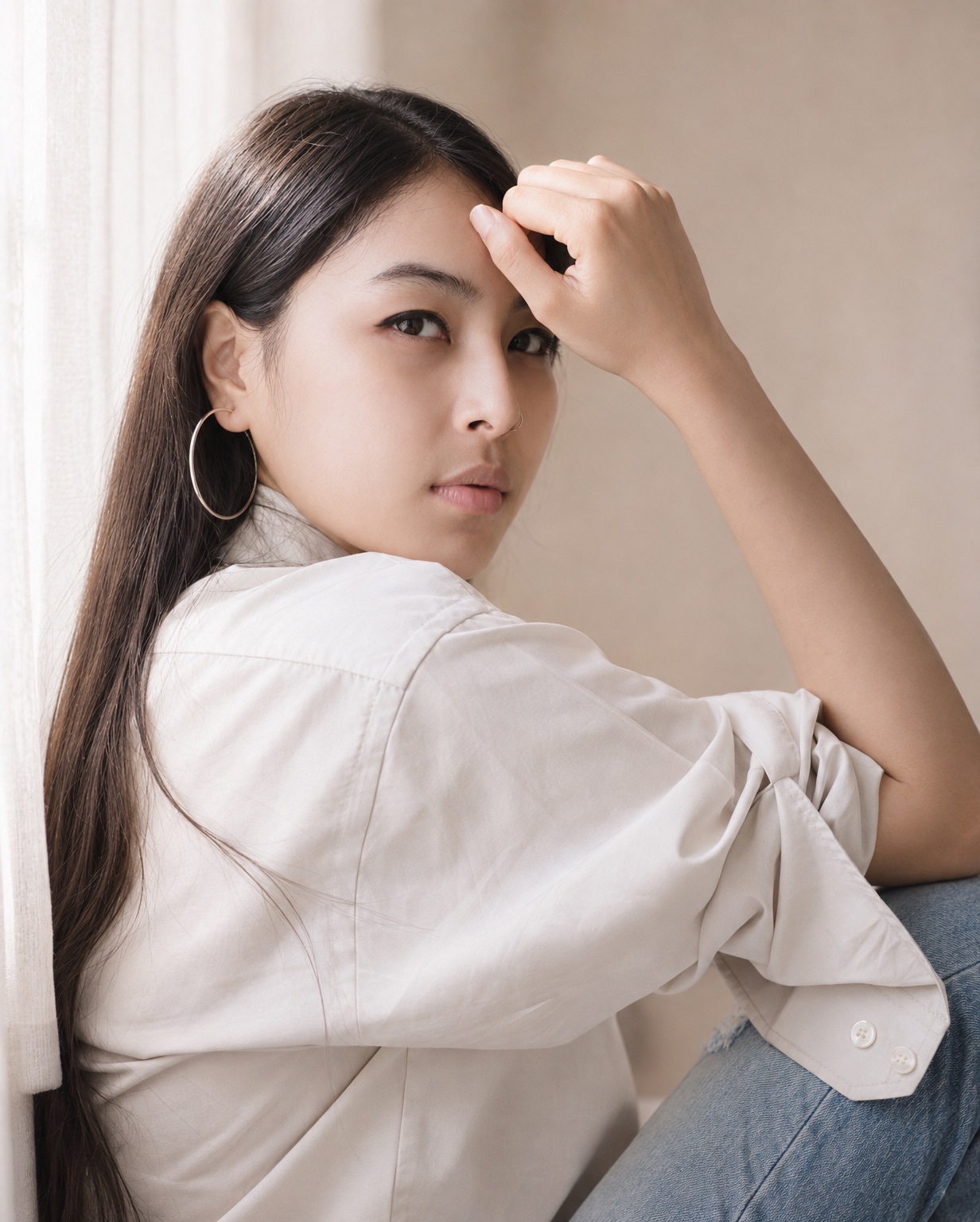 After
Bright, soft and creamy with clear skin tones
Great for: SelfiesCafés
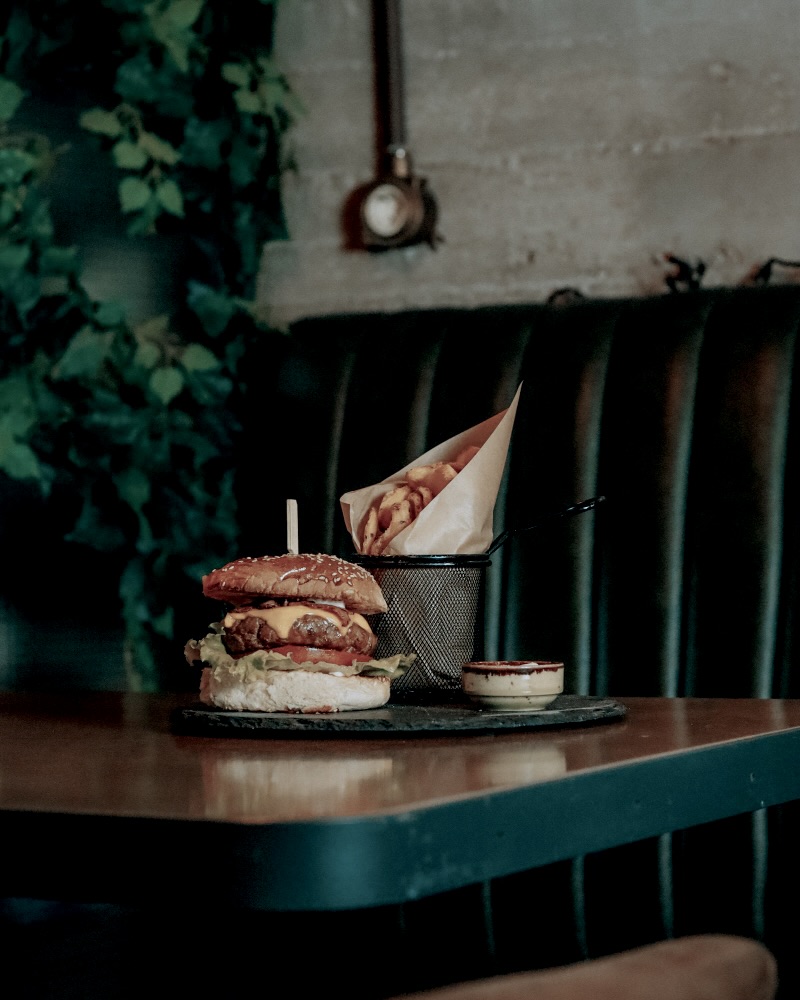 Before
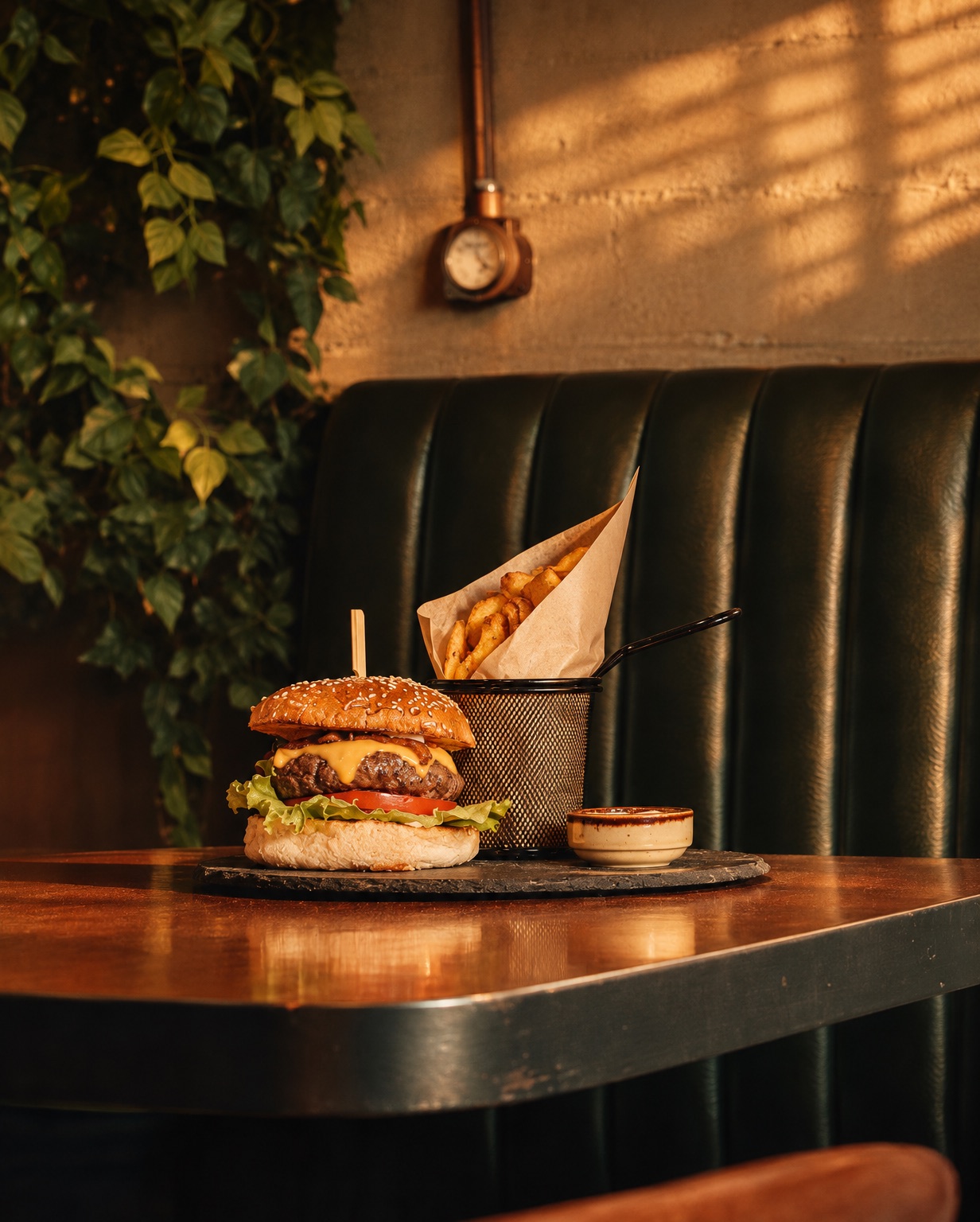 After
Warm, saturated tones with a nostalgic feel
Great for: DinnersRoad trips
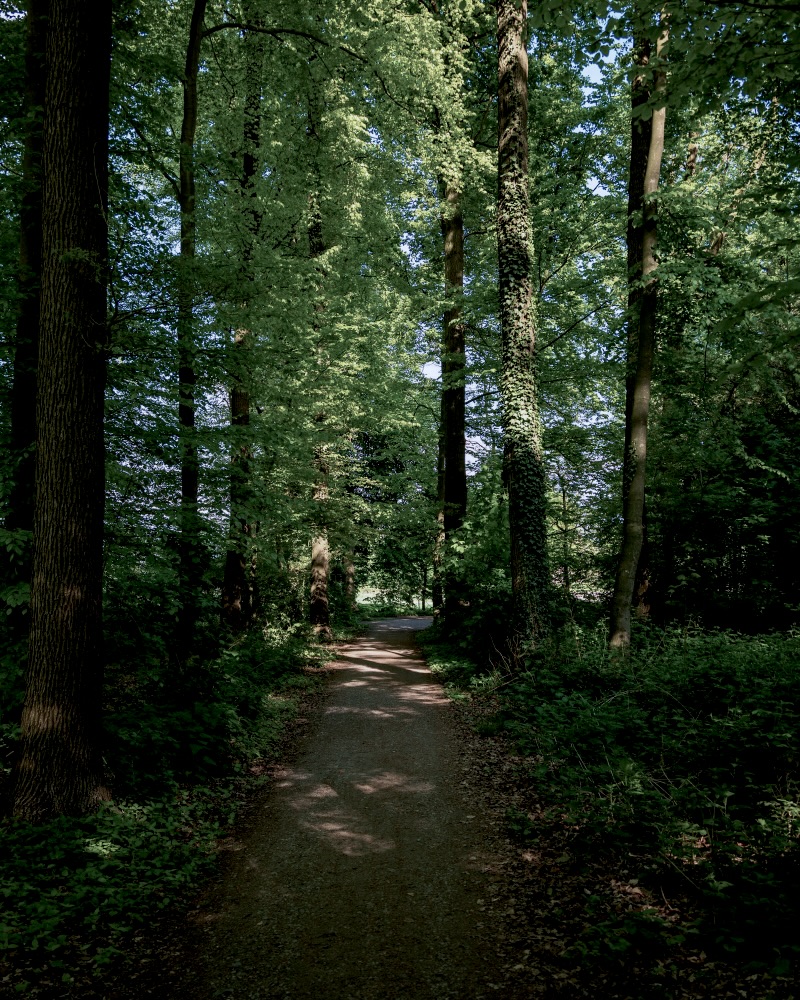 Before
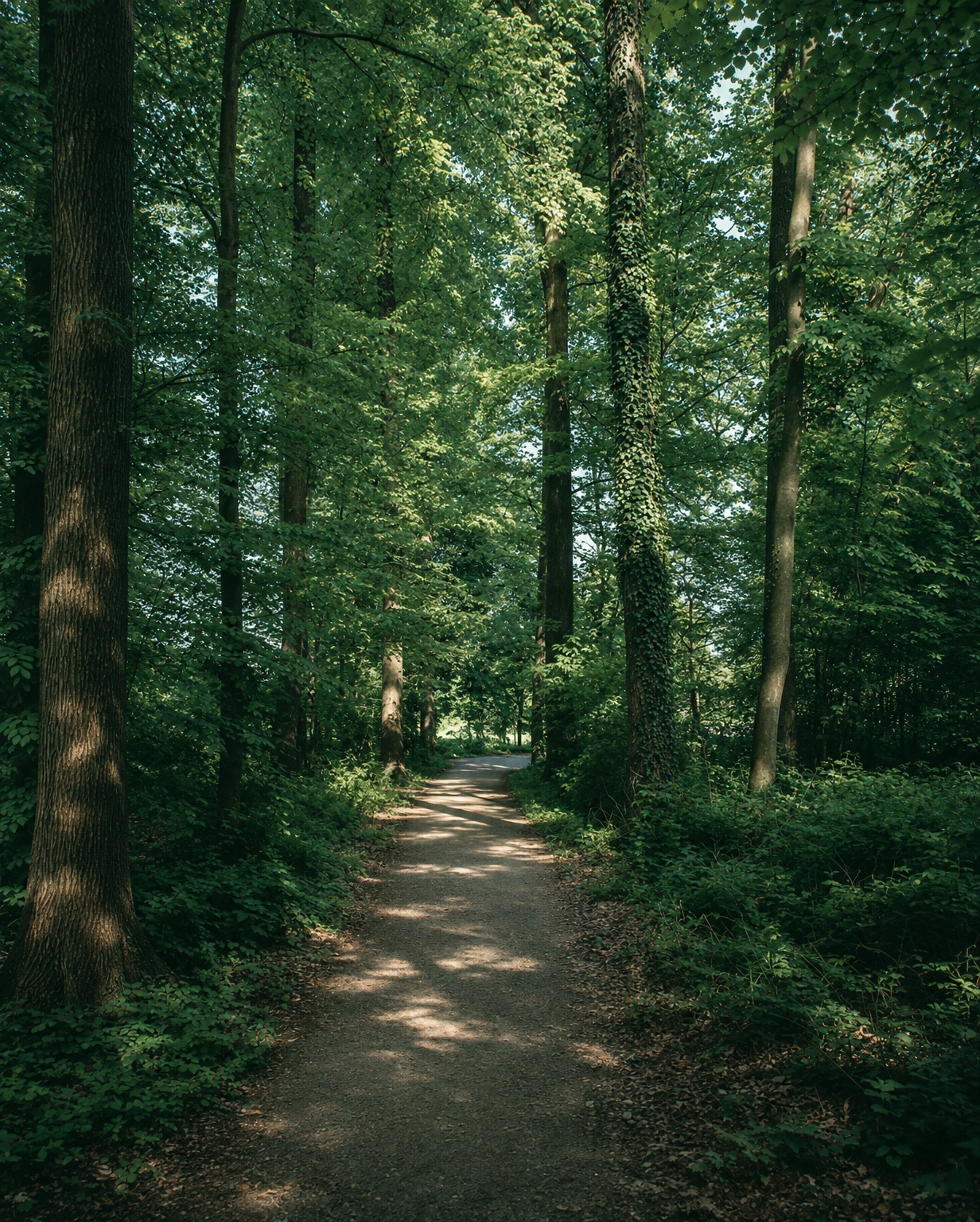 After
Green-leaning film palette with fine grain
Great for: StreetsNature
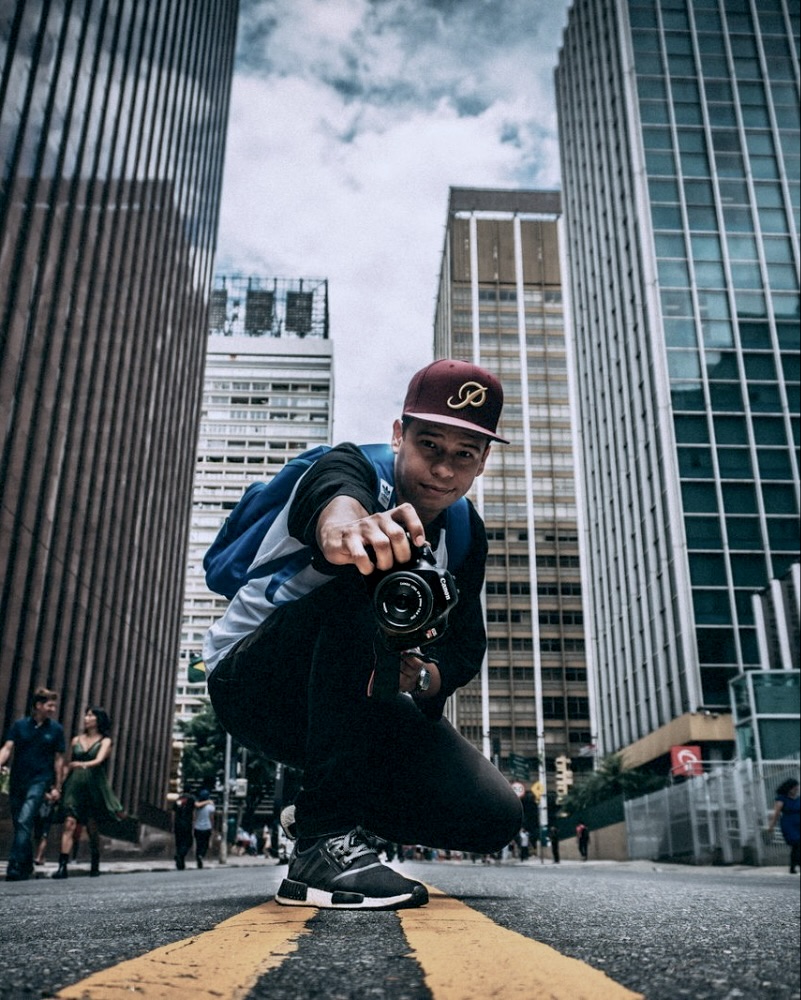 Before
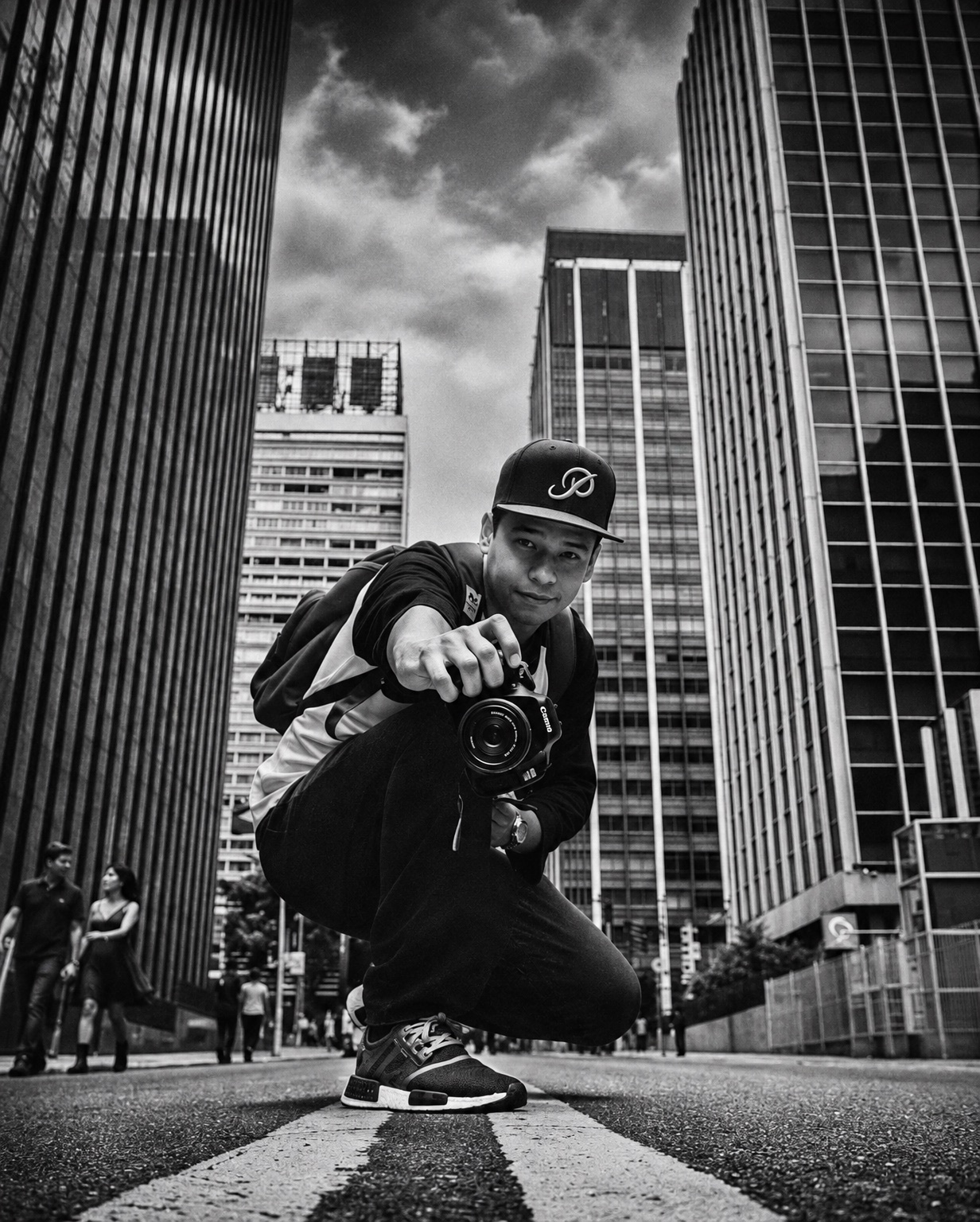 After
Rich, layered black and white
Great for: PortraitsStreets
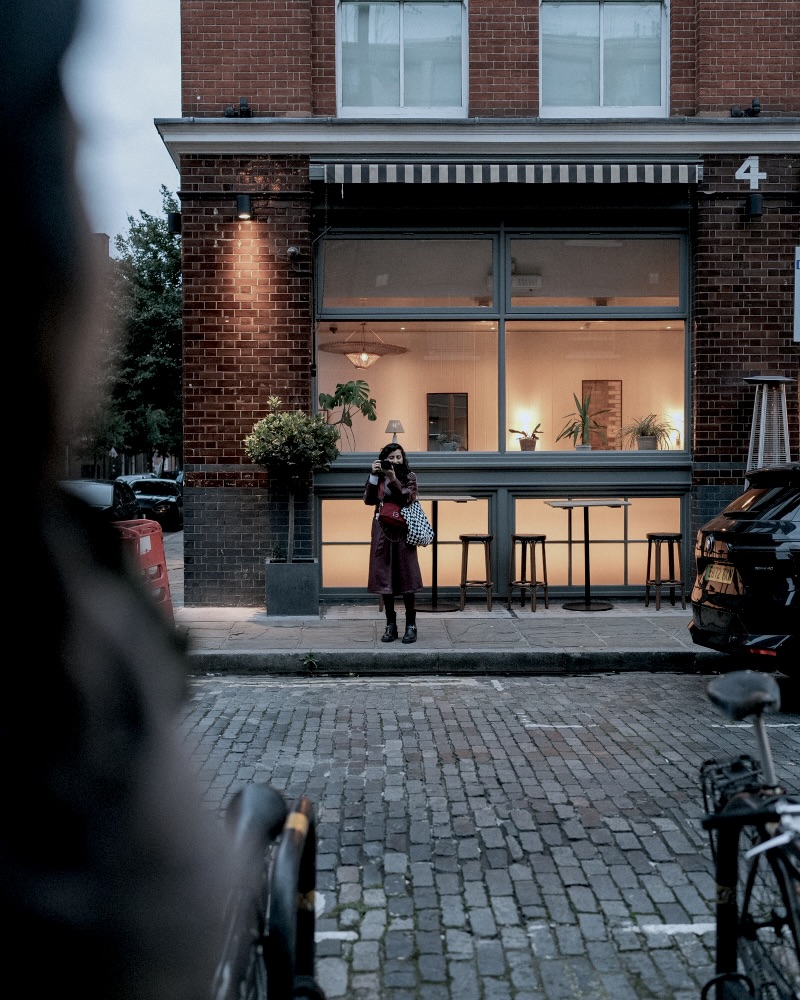 Before
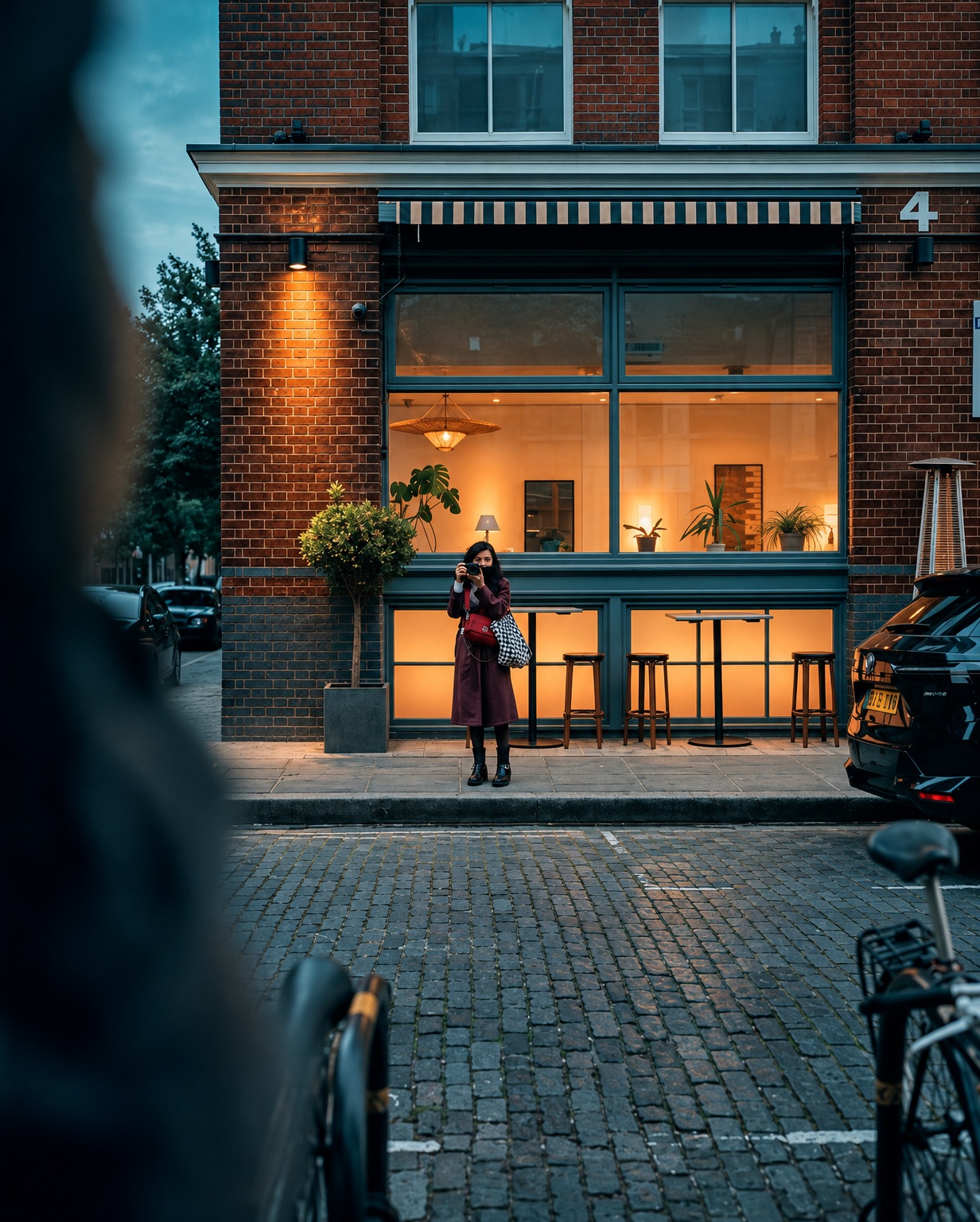 After
Teal shadows and warm skin tones, film style
Great for: CitiesNight
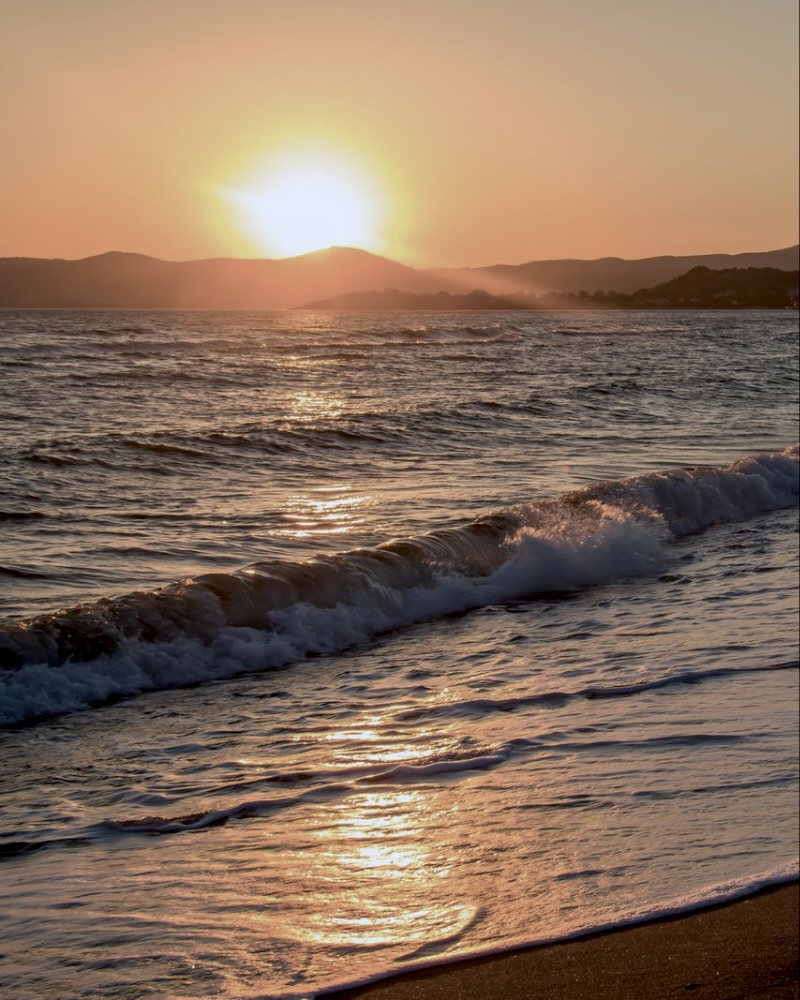 Before
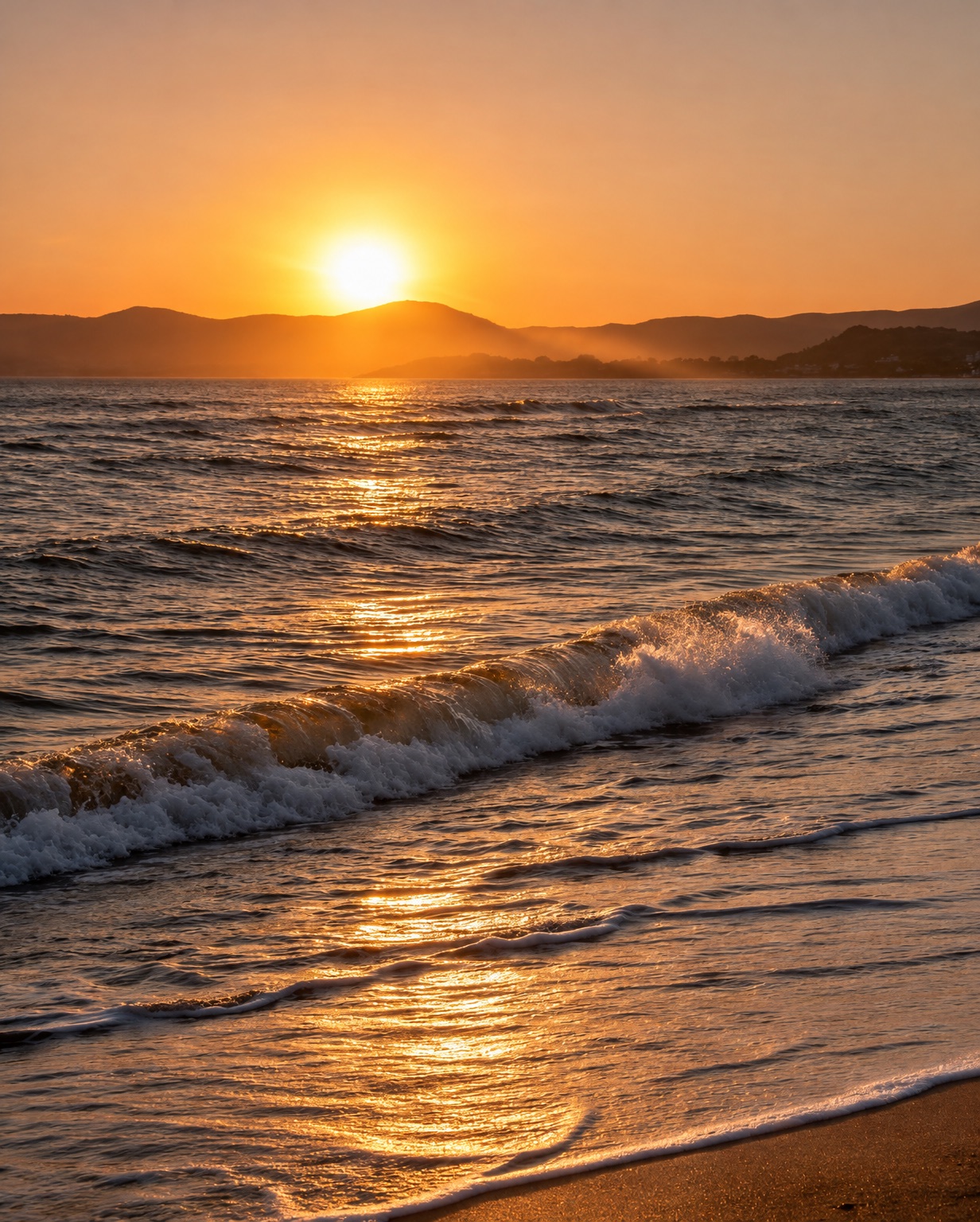 After
The golden light just before sunset
Great for: OutdoorsSunsets
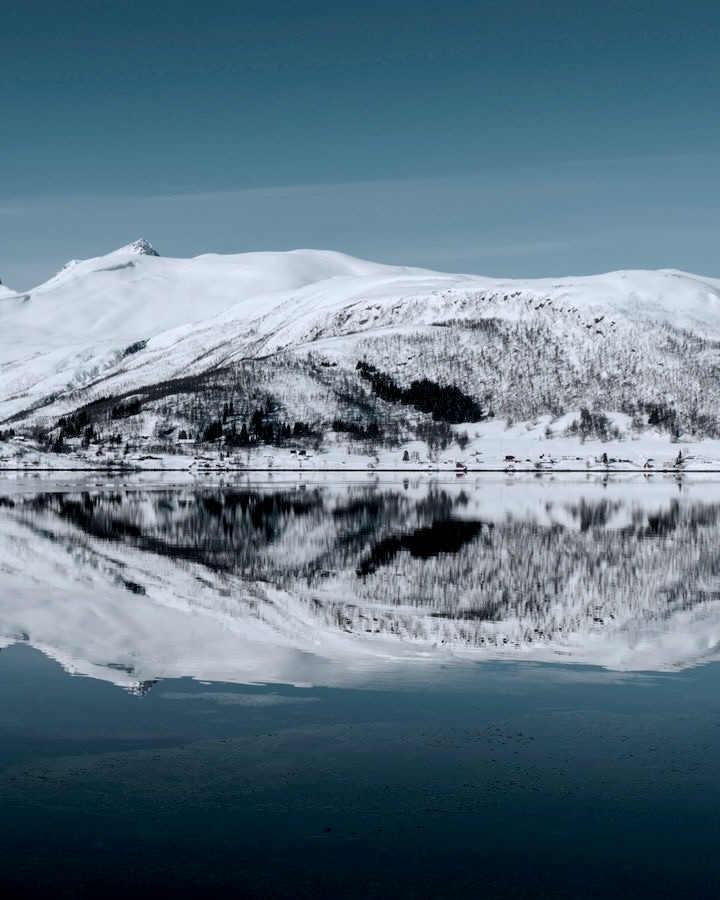 Before
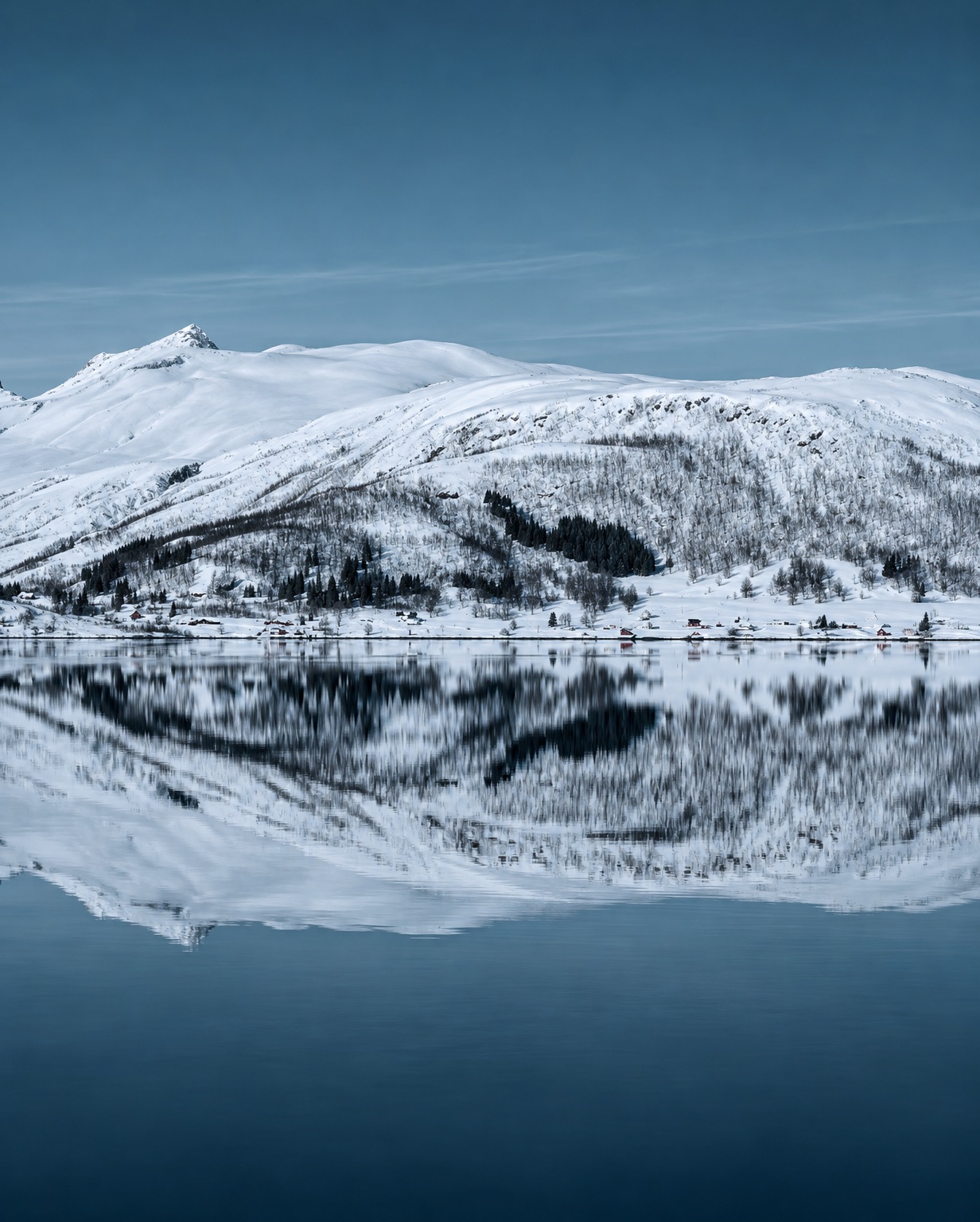 After
Cool, clean and quiet
Great for: LandscapesInteriors
We make your photo look better — not turn it into a different one.
Tap Auto, or adjust exposure, brilliance, warmth, vignette and 11 more. See changes instantly on your phone and reset any of them in one tap.
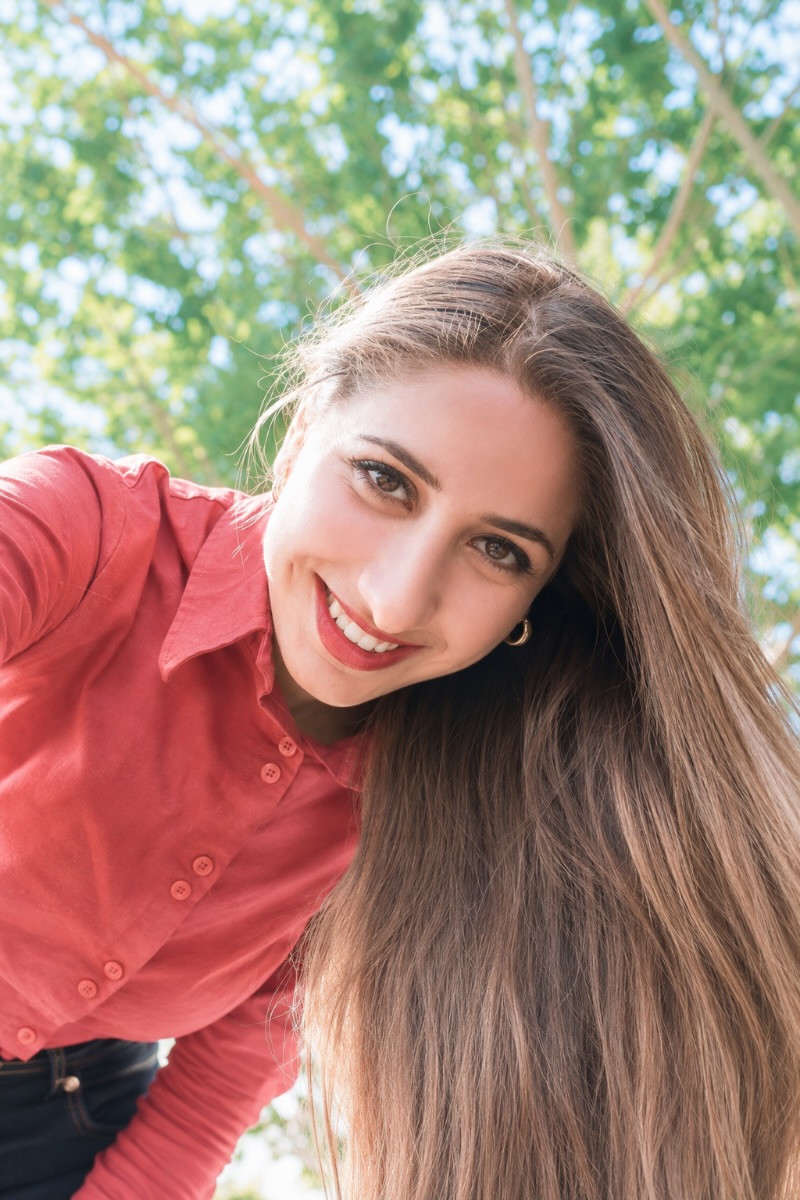
Pick a size along with your style; if the shape differs, the picture is extended to fit. All in Full HD.
Stories, Reels
Instagram posts
Square posts, profile photos
Covers, YouTube, wallpapers
Keep the original shape
The app never reads your whole library; only the photo you edit is uploaded.
Account and work data is stored in Japan; AI editing is processed by OpenAI in the US and never used to train AI.
Edited photos belong to you, and you can delete your account and data in the app at any time.
Under 18 requires permission from a parent or guardian.
You can use it for free, with points every month. For more, subscribe or buy points — see the app for plans and prices.
iPhone with iOS 18 or later.
Styles are tuned to look natural. As required, saved photos note “edited with AI” in their file info; nothing appears on the photo itself.
No. Your photos are only used to edit them for you, never to train AI. See the Privacy Policy for details.
Tap “Regenerate” for another take (it uses points), or fine-tune it yourself.
Only photos of yourself, or of people who agreed to let you use them.
Portrait 9:16, post 4:5, square 1:1, landscape 16:9, or the original shape — all in Full HD.
We expect to launch on the App Store soon, and will post the date here once it’s set.
For iPhone, iOS 18 or later.